Life, the Universe, and Restaurants Taking Orders: Guide
Master Life, the Universe, and Restaurants taking orders with tips for serving customers, managing patience, collecting coins, and automating your kitchen.
Jump to
How Taking Orders Works
Life, the Universe, and Restaurants taking orders turns a simple salad request into a scramble between hungry gods, dirty plates, and piles of money. Every delay puts customer patience and your restaurant’s income under pressure, so the route between your tables and kitchen matters. This Life, the Universe, and Restaurants taking orders guide walks you through accepting requests, serving dishes, and handing repetitive work to robots.
Customers enter through the Customer Portal and sit at Customer Tables. Once a guest is seated, approach and interact with them to take their order. Read the requested dish before grabbing ingredients: Leafy Salad and Potato Salad are both early recipes, and rushing toward the wrong container wastes movement.
The basic service loop follows this sequence:
| Stage | What happens | Your action |
|---|---|---|
| Arrival | A customer enters through the portal and takes a seat | Approach the seated guest |
| Order | The customer requests a dish | Interact and check the request |
| Preparation | Ingredients need processing | Follow the recipe’s preparation steps |
| Plating | The finished food needs a plate | Use a clean plate |
| Delivery | The customer awaits the requested meal | Carry the plated dish to that customer |
| Payment | Served customers drop Coins | Collect them and transport them to the vault |
For Leafy Salad, take a leafy folk from its container, slice it at the Cutting Counter, plate it, and deliver it. That short recipe teaches the movement pattern you will reuse as the menu expands.
Keep checking the table after delivery. Customers can request additional food during their visit. A served plate does not always mean that guest is finished, and returning to the kitchen without checking can leave another request waiting.
Use the order display to match dishes with customers when several tables are occupied. Memorizing everything becomes harder once different recipes and repeat requests overlap.
Arrange Your Kitchen Around the Order Route
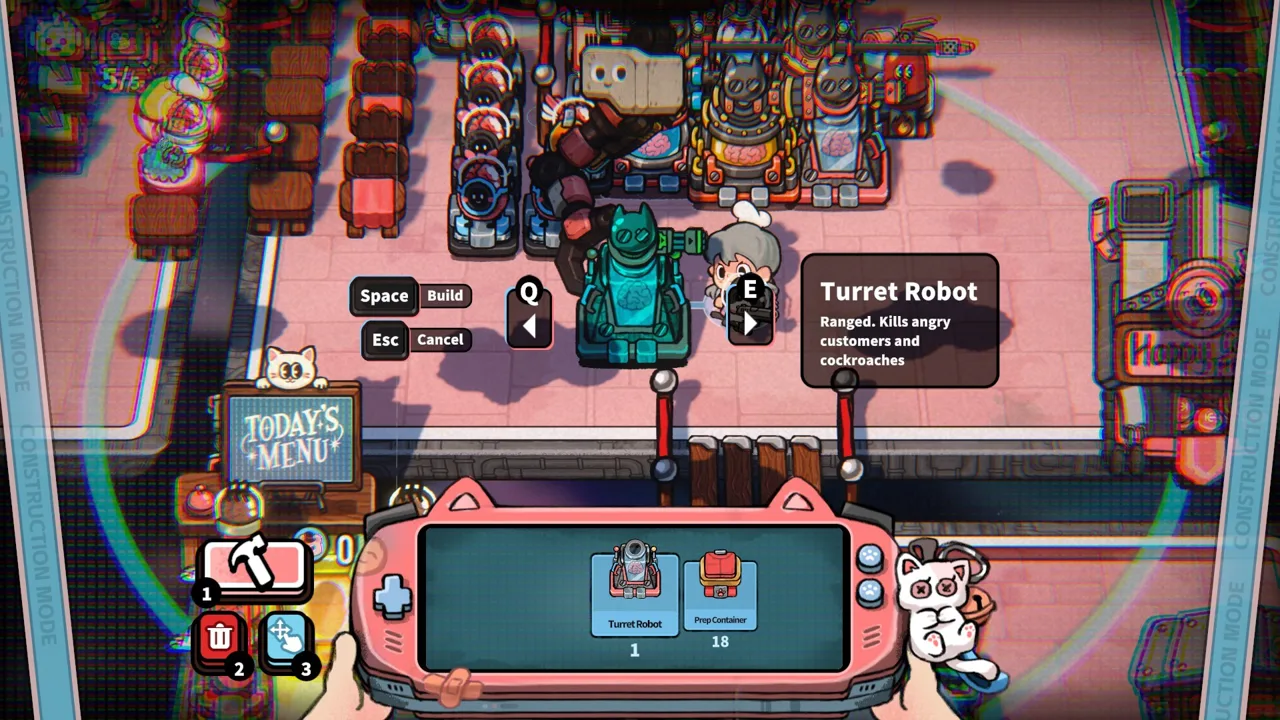
Life, the Universe, and Restaurants taking orders gets more manageable when your layout supports the entire journey from accepting a request to depositing payment. Freely rearranging structures lets you shorten that journey, including moving the Customer Portal and vault.
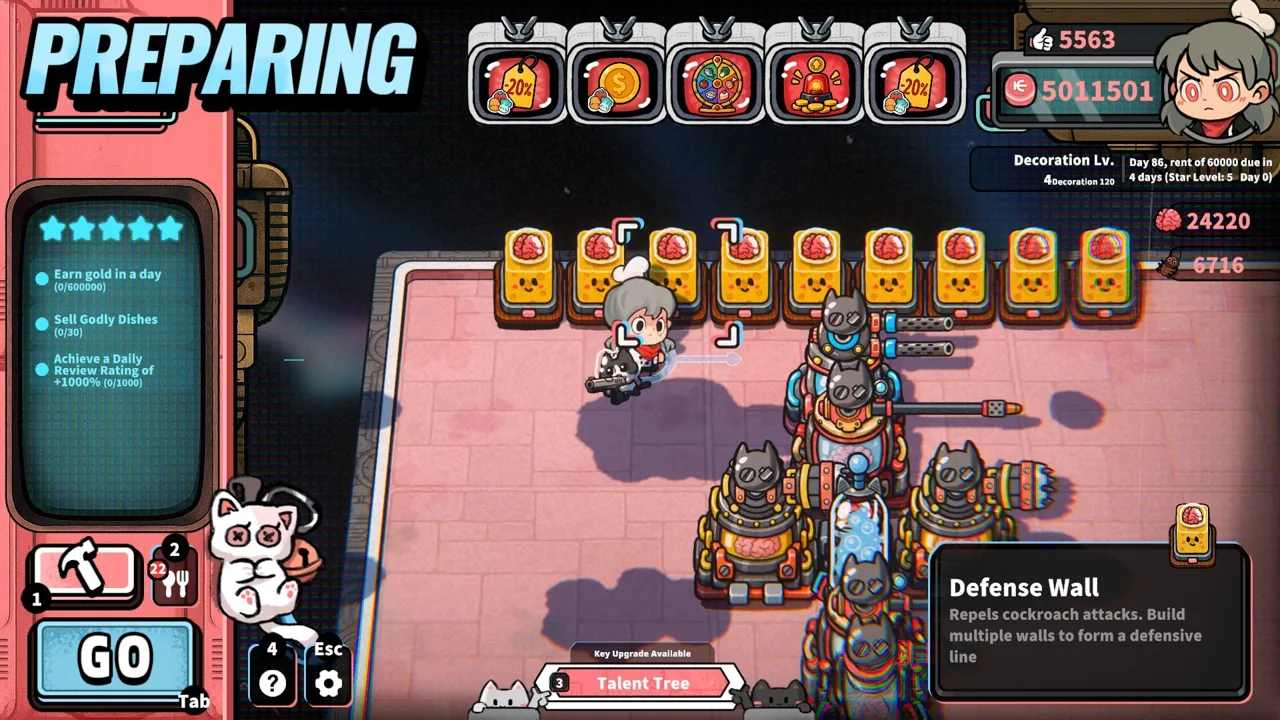 Image: Steam / GARRY
Start with a compact preparation area. Place ingredient containers near their processing equipment, then keep plates and a Prep Table within easy reach. Leave a clear route from that area to the tables.
| Structure | Role in service | Placement tip |
|---|---|---|
| Customer Portal | Brings guests into the restaurant | Leave an accessible route to seating |
| Ingredient containers | Supply ingredients for recipes | Place them beside the equipment that processes them |
| Cutting Counter | Handles chopping steps | Keep plates and ingredient containers nearby |
| Automatic Plate Cabinet | Supplies plates and washes them automatically | Position it near your plating area |
| Prep Table | Holds prepared dishes | Keep it accessible from the kitchen and tables |
| Vault | Receives collected Coins | Place it near customer payment areas |
Avoid packing every structure tightly together. A narrow gap can become an awkward detour when you need to collect Coins, deliver food, or reach an attacking pest. Walk the route between your kitchen, tables, and vault before starting service.
Watch the Plate Supply
Automatic Plate Cabinets wash plates on their own, and manual washing speeds the process up. When ingredients are ready but clean plates are missing, washing becomes part of the order queue.
Add another cabinet or invest in washing-speed talents when plate availability repeatedly interrupts service. Keep the cabinets close enough that fetching a plate does not undo the time saved.
Prepare Food Without Blocking the Kitchen
Prep Tables let you hold completed dishes. Prepare a small reserve of dishes you are actively serving, then leave room for other recipes.
Avoid filling every available surface with one meal. Cooking robots wait when their output area has no open space, so storing food and keeping production moving compete for the same room.
When expanding your menu, revisit the layout. A setup built around chopped salads needs adjustment once equipment such as a Grinder or Steamer enters the kitchen.
Manage Customer Patience and Ingredient Shortages
The pressure behind Life, the Universe, and Restaurants taking orders comes from customer patience. Waiting guests have a visible patience bar, and losing all patience sends them into a rage.
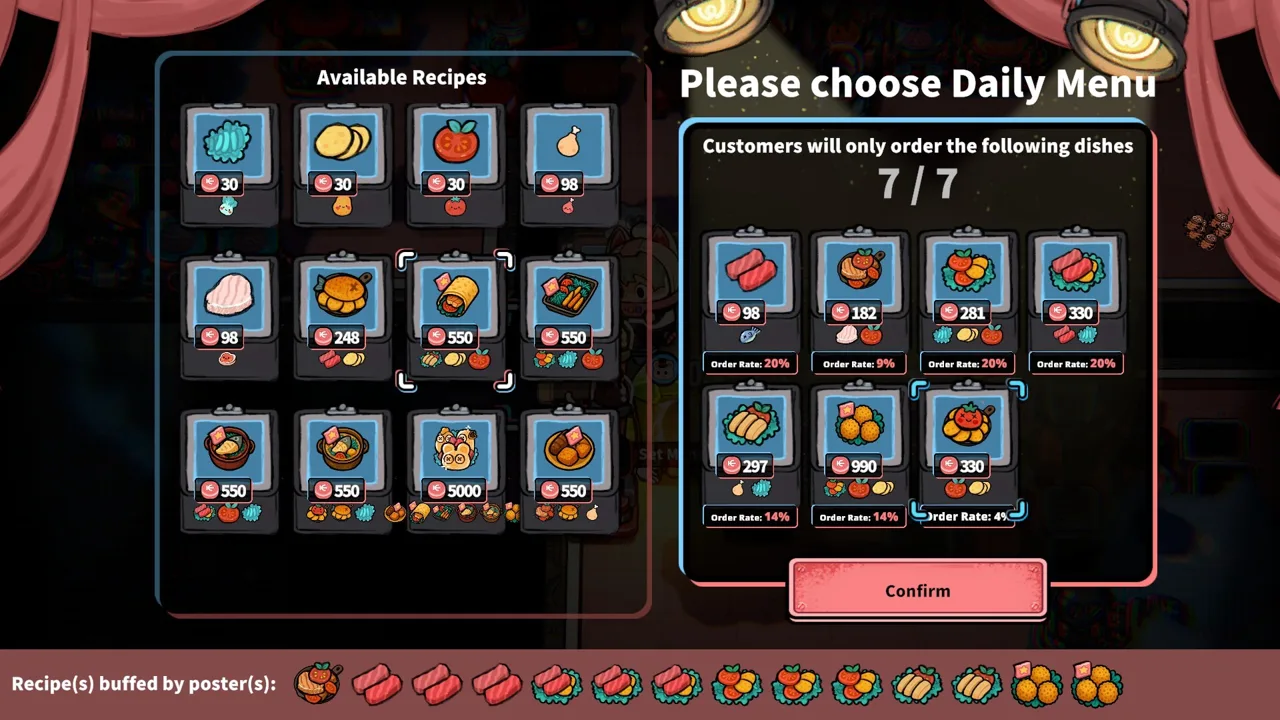 Image: Steam / GARRY
Nearby Trash Bins reduce patience. Keep them away from tables you intend to serve normally, especially while you are learning to juggle several requests.
| Situation | Mechanic involved | What to do |
|---|---|---|
| Several guests are waiting | Their patience continues to fall | Check patience alongside active orders |
| A table is near Trash Bins | Nearby bins drain customer patience | Separate ordinary seating from bins |
| A recipe’s ingredients run out | You cannot prepare more of that dish with those supplies | Stop repeating trips to the empty container |
| A guest loses all patience | The customer becomes enraged | Defend the restaurant |
| A guest requests another serving | The visit continues with more food requests | Recheck the order after delivery |
Prioritize a waiting guest whose requested dish is already prepared when you can complete that delivery quickly. Then return to requests that require more work. Keep watching the patience bars so a convenient delivery does not distract you from a customer about to erupt.
Ingredient shortages deserve equal attention. Customers can repeatedly order the same dish, draining its container while other ingredients remain available. Check supplies before committing to another preparation run.
Do not substitute a different meal for the requested dish. Match the order instead of spending time carrying unwanted food around.
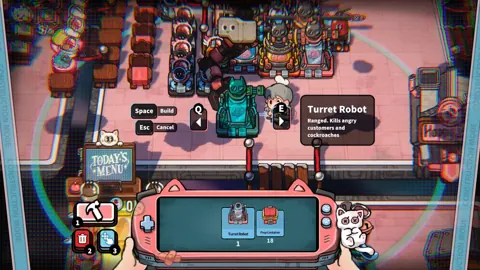
The game also gives angry customers a deliberate economic role: defeating enraged guests yields Brains, which support robot purchases and talent upgrades. Trash Bins can help create a separate area for that purpose.
Keep that area away from your regular service tables. Mixing ordinary diners with seats designed to drain patience makes it harder to maintain food income while collecting Brains. Leave yourself access to the area so you can respond when guests become aggressive.
Turn Completed Orders Into Spendable Coins
In Life, the Universe, and Restaurants taking orders, delivering food is only part of getting paid. Customers throw Coins onto the ground, and approaching them collects them onto your character. You must then carry those Coins to the vault.
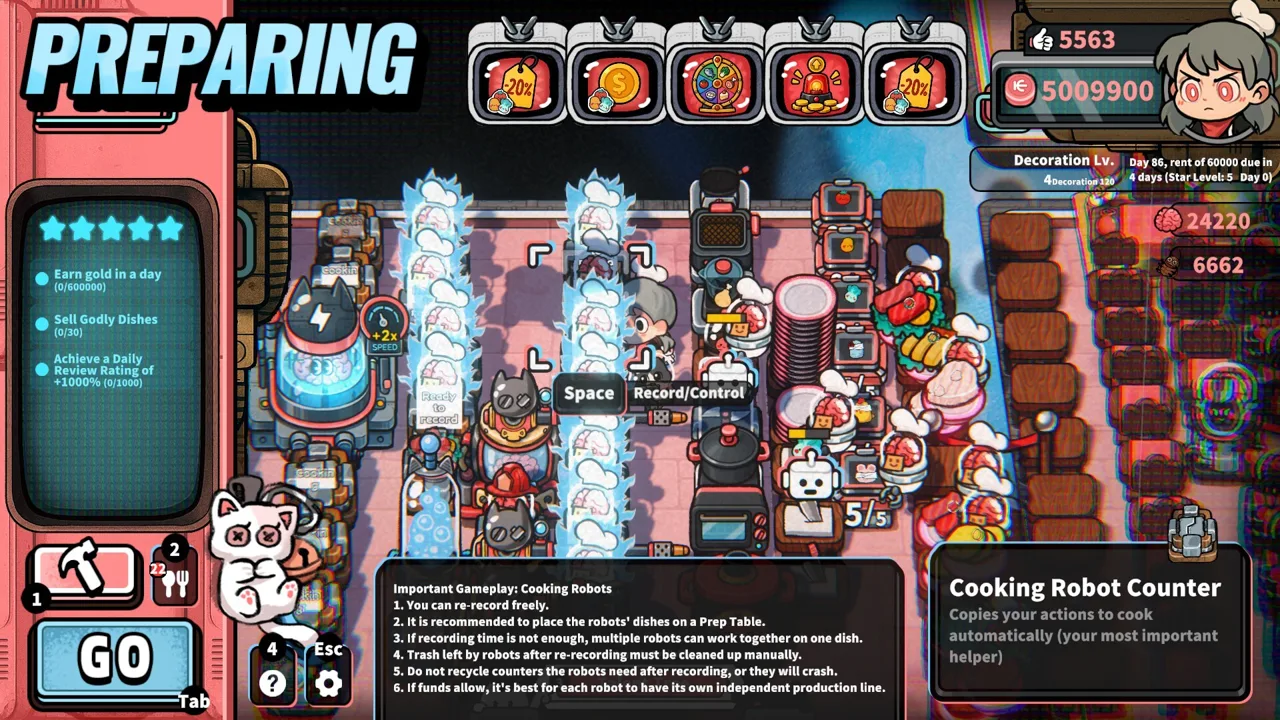 Image: Steam / GARRY
The demo’s timed service forfeits Coins left on the floor when service ends. Build the habit of depositing payment throughout the rush instead of leaving every collection trip until closing.
Your character has a carrying limit, so a large pile can require several trips. Position the vault close to the tables and leave an unobstructed path. Collect nearby payment while traveling between tasks, then deposit it before heading back for ingredients.
Reserve Money for Rent
Rent comes due periodically, and the amount changes as the run progresses. Check the displayed amount and countdown before spending on furniture, expansion, or additional production equipment.
Reserve the upcoming payment, then use the remaining balance to address the bottleneck you keep encountering:
- Buy additional plate capacity when washing interrupts orders.
- Improve coin transport when payment remains scattered at closing.
- Add preparation capacity when processing stations hold up dishes.
- Expand when cramped routes interfere with service and defense.
Adding tables increases the number of customers you can accommodate. Balance that extra seating with the kitchen’s ability to prepare, plate, and deliver their meals.
Match Promotions to Production
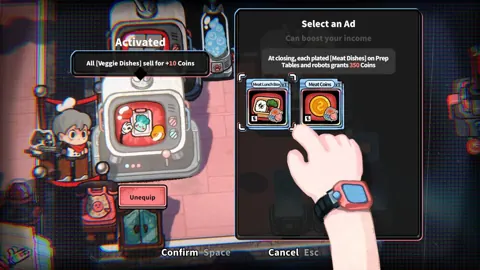
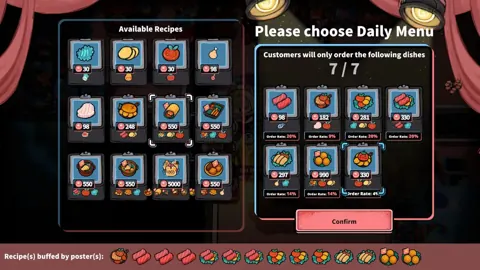
Posters make customers more likely to request particular dishes. TV ads can increase income from selected dishes or categories, while other effects support your business strategy.
Promote recipes your kitchen can keep producing. Check the relevant ingredient supply and preparation workload before steering more customers toward one meal.
For your Life, the Universe, and Restaurants taking orders routine, treat promotion as another production decision. Increasing demand for a dish that already runs out leaves you with more waiting guests and fewer requests you can finish.
Automate Orders Without Creating New Bottlenecks
Life, the Universe, and Restaurants taking orders eventually expands beyond manual table service. Robots can take orders, cook, serve dishes, transport Coins, and clean up. Cooking routines can be recorded so robots repeat the demonstrated sequence.
Each role addresses a different part of the restaurant:
| Robot task | Work it handles | What to check |
|---|---|---|
| Taking orders | Accepting customer requests | Whether seated guests are still waiting to order |
| Cooking | Repeating recorded preparation routines | Ingredient access, shared equipment, and output space |
| Serving | Delivering dishes | Whether completed meals are reaching tables |
| Coin transport | Collecting and depositing payment | Collection radius, routes, and leftover Coins |
| Cleanup | Handling cleaning work | Whether cleaning remains a service bottleneck |
Automate the Task That Keeps Pulling You Away
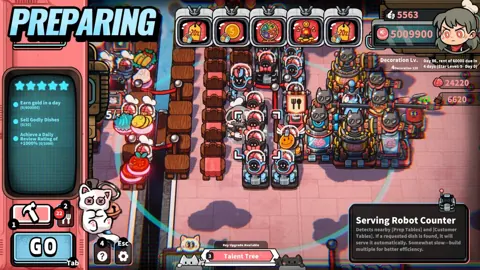
A Transport Robot Station collects Coins within its visible radius and delivers them to the vault. Place it where customers drop payment, with a clear route for the robot.
Continue checking the floor near closing. A robot can be working while still falling behind the amount of money customers produce. Transport-speed talents can help address that workload.
Cooking robots require a different setup. Before recording a routine, arrange the ingredient container, processing station, plates, and destination surface into a short, accessible route.
Record the complete sequence you want repeated, then watch the robot execute it. Check that it reaches the correct equipment, completes the preparation, and deposits the finished dish where you intended.
Coordinate Shared Equipment
Two robots working on the same recipe can still compete for one processing station. Adding another worker does not remove that equipment constraint.
Give robots separate processing stations where practical, or arrange their tasks around a clear sequence. As recipes become more complex, multiple Cooking Robots can work together on successive preparation steps.
Keep output surfaces available. Move finished meals toward service instead of allowing stored dishes to occupy every spot.
Finally, keep progression objectives in view. Completing each stage’s business objectives raises your restaurant’s Star Rating toward five stars and opens more recipes, structures, robots, and management options. Use those objectives to guide purchases while maintaining enough income to cover rent.
FAQ
How does Life, the Universe, and Restaurants taking orders work?
Start service, wait for a customer to sit at a Customer Table, then approach and interact with them. Check the requested dish, prepare and plate it, and deliver it to that customer. Check again after serving because guests can request additional food.
Can robots take orders and serve customers?
Yes. Robots can handle taking orders, cooking, serving, transporting Coins, and cleanup. Cooking robots repeat recorded routines, allowing you to automate preparation as your restaurant develops.
Why do customers become angry?
Customers lose patience while waiting, and nearby Trash Bins also drain patience. When patience runs out, guests become enraged. Defeating unruly customers yields Brains used for robots and talent upgrades.
Why do I need to carry Coins to the vault?
Picking up Coins does not complete the payment process. Transport them to the vault to obtain them. In the demo’s timed service, Coins left on the ground at closing are forfeited, so collect and deposit them during service.
Continue with
 Life, the Universe, and Restaurants Customer Attacks: GuideLife, the Universe, and Restaurants customer attacks turn angry gods into Brains. Learn patience triggers, defense options, and smarter robot strategies.
More in Customers
See all CustomersPopular pages
Life, the Universe, and Restaurants Release Date: Guide
Life, the Universe, and Restaurants release date is October 12, 2026. Explore Steam launch details, PC requirements, and tips for your cosmic kitchen.
Life, the Universe, and Restaurants FAQ: Starter Guide
This Life, the Universe, and Restaurants FAQ covers robots, brains, star upgrades, and PC requirements. Learn how to manage your kitchen and collect coins.
Life, the Universe, and Restaurants Automation Guide
Master Life, the Universe, and Restaurants automation with robot routines, smarter kitchen layouts, coin collection, and menu strategies. Build your crew.
Life, the Universe, and Restaurants Dish Skill Trees Guide
Explore Life, the Universe, and Restaurants dish skill trees, boost dish value, and plan menus, ads, and robot workflows for a more profitable kitchen.
Join the community
Official channels for news, updates and player help: