
Life, the Universe, and Restaurants Reporting Issues: Help
Life, the Universe, and Restaurants reporting issues guide: learn where to send bugs, what details to include, and how to explain control or robot trouble.
Jump to
Where to Send Bugs and Feedback
A stuck upgrade menu can interrupt your restaurant just as effectively as an angry god. Life, the Universe, and Restaurants reporting issues starts with explaining exactly what failed, giving the developer a clear interaction to investigate. This Life, the Universe, and Restaurants reporting issues guide covers where to send feedback, what to include, and which unusual restaurant behaviors are part of the game.
Developer GARRY invites players to join the game's Discord and reach out directly with problems or suggestions. Use that developer community to describe a bug, explain an awkward interaction, or request a change to robot automation. Keep technical problems and feature requests separate so your message makes its purpose clear.
Start with a specific subject. “Controller cannot confirm advertising upgrade” tells the developer much more than “Controls broken.” For an automation problem, name the dish and the action where the robot stops following your intended routine.
Make the opening message readable without attachments. Describe the symptom in a sentence, then add the circumstances and evidence. A screenshot helps explain a menu problem, but the text should still identify which selection failed.
For Life, the Universe, and Restaurants reporting issues, distinguish the game you are playing now from an earlier playtest. The Windows release date is October 12, 2026. Put your installed version or build identifier in the message if you can find it, and explicitly identify a playtest when that is what you played.
You can access the game through the official Life, the Universe, and Restaurants Steam page. Keep your report focused on your own session rather than assuming an older problem applies to every current installation.
Check the Restaurant Rules Before Calling Something a Bug
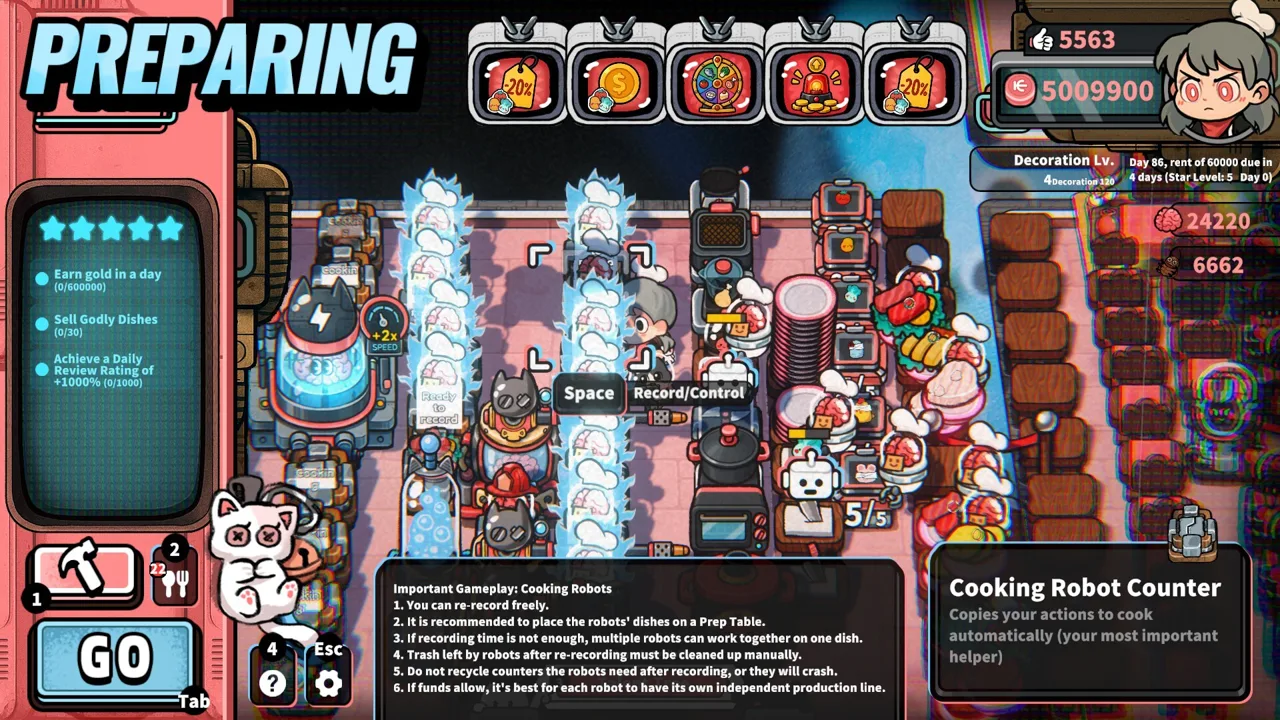
This restaurant has some deliberately strange rules. Coins need transportation, robots repeat recorded routines, and irritating customers can serve a business purpose. Check the relevant mechanic before describing its outcome as a malfunction.
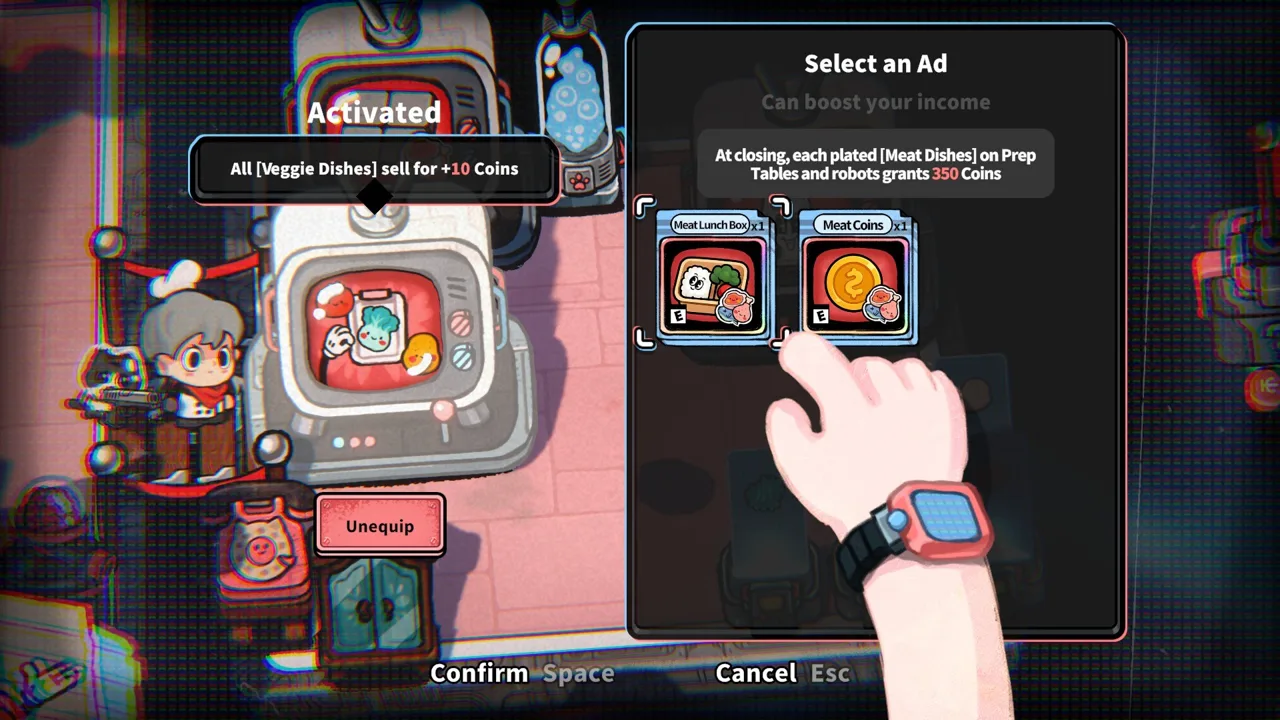 Image: Steam / GARRY
| Situation | How the mechanic works | What to check |
|---|---|---|
| Picked-up Coins do not appear as spendable income | Coins must be transported to the Vault | Whether you deposited the carried Coins |
| Customers lose patience near Trash Bins | Nearby Trash Bins drain customer patience | The placement of bins around Customer Tables |
| A robot repeats an unwanted action | Robots repeat recorded cooking routines | The actions included in its recording |
| A structure or Recipe is unavailable | Higher Star Ratings unlock additional purchases and systems | Your current Star Rating and available objectives |
Coins need to reach the Vault
Picking up payment is only part of collecting your earnings. Customers drop Coins, and approaching them collects those Coins onto your back. You must then carry them to the Vault to obtain them.
Before reporting missing income, distinguish Coins on the floor, Coins you are carrying, and Coins already deposited. If the problem occurs during a deposit, describe that transition precisely.
Angry customers are part of the design
Trash Bins and lighting can reduce customer patience. Enraged customers connect to the game's defense and Brain-harvesting systems, while Brains support talents and more powerful robots.
Separate an intended patience penalty from an interaction that stops working. Describe whether a customer becomes angry, attacks facilities, or coincides with a control problem. Those are different events.
Automation follows recorded actions
Robots can take orders, cook, serve dishes, transport Coins, and clean up. Cooking automation also supports multiple robots working in sequence as Recipes become more complex.
Inspect the routine before blaming the entire production line. Name the ingredient, processing station, plating action, or handoff where the result diverges. For Life, the Universe, and Restaurants reporting issues involving automation, that exact break point is more useful than “my kitchen stopped.”
Describe the Failed Action Clearly
The useful part of a bug report is the gap between what you attempted and what actually happened. Keep those two ideas separate.
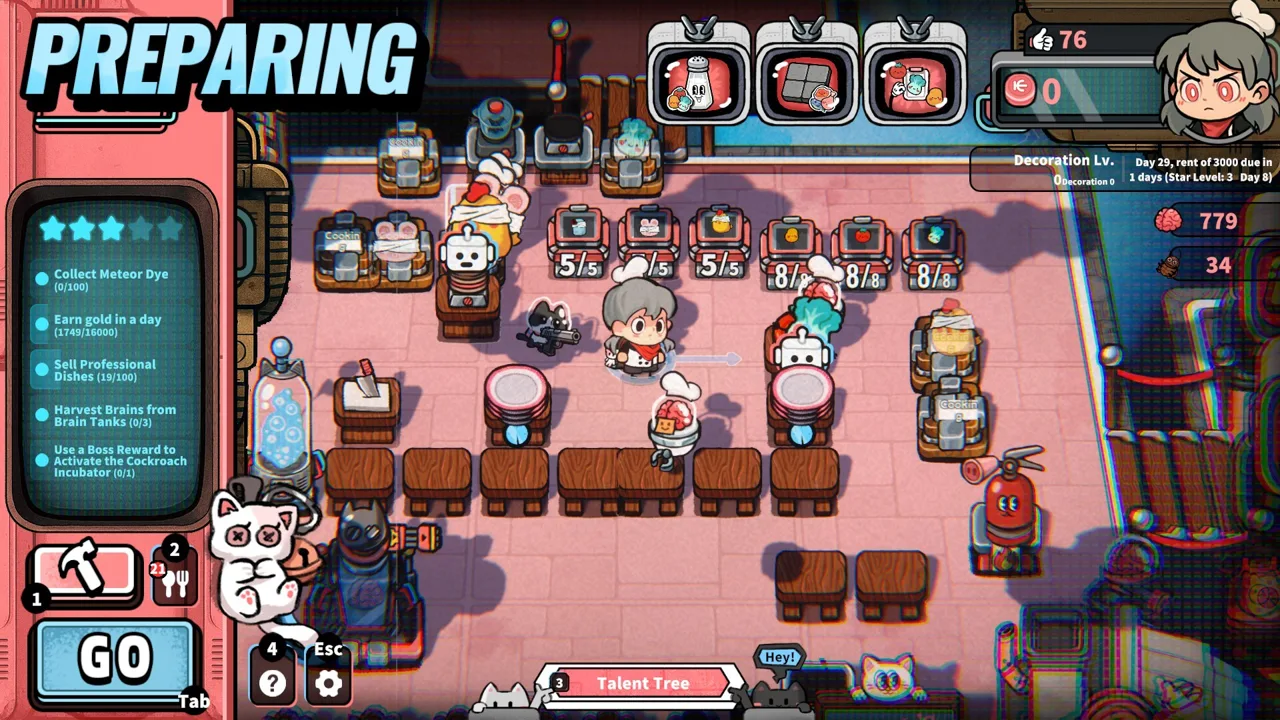 Image: Steam / GARRY
For example, an advertising upgrade problem should identify whether you cannot select materials, cannot reach the confirmation control, or can select it but receive no response. Each symptom points to a different interaction.
Earlier development-era problems provide useful examples of that specificity:
| Issue example | Detail to capture in your own session | How to frame the message |
|---|---|---|
| Controller navigation in the advertising upgrade interface | Whether material selection or upgrade confirmation fails | Input or interface problem |
| Save-and-exit interaction does not complete | The selected control and the response to your input | Save/menu interaction problem |
| Stuttering associated with the oxygen station | Whether the slowdown occurs while approaching or operating it | Performance problem |
| Recording complex meat preparation feels rushed | Which preparation actions need more recording time | Automation improvement request |
These examples concern behavior before the October 12 release. Describe what happens in your installed build rather than presenting an old symptom as a current universal defect.
The robot recording example also shows why categorization matters. Wanting more time to record a complex cooking routine is a feature request when the recording system behaves as designed. A recorded action that fails during playback needs a different explanation.
Include a short reproduction sequence
Write the actions leading up to the failure in their actual order. Start near the problem instead of recounting the entire restaurant's history.
For a menu issue, identify the interface, your input method, the selection you attempted, and the result. For robot behavior, include the routine and the point where playback changes course.
Report frequency honestly. Say whether it happened once, happens whenever you repeat the interaction, or occurs intermittently. Avoid turning one failed attempt into an “always” claim.
Life, the Universe, and Restaurants reporting issues becomes much easier to follow when another person can understand the sequence without guessing.
Use a compact report template
| Field | What to include |
|---|---|
| Subject | The affected system and specific failure |
| Game version | Installed build identifier, if visible; release or playtest |
| Input method | Keyboard and mouse, keyboard only, or controller model |
| Context | Relevant menu, Recipe, robot routine, or restaurant layout |
| Actions | The short sequence immediately before the problem |
| Expected result | What you intended the interaction to do |
| Actual result | What appeared on screen or stopped responding |
| Frequency and evidence | Repeatability, screenshot, short recording, or exact error text |
Keep expectations grounded in the game. “I expected the selected upgrade confirmation to respond” describes an interaction. “I expected every robot to finish a complex dish faster” describes a preference unless you identify an actual malfunction.
Attach evidence that captures the relevant moment. For a navigation problem, show the selection and neighboring controls. For automation, include enough of the kitchen to make the stations and handoffs understandable. Keep private account information out of the image.
Add Useful Performance and Save Details
Performance reports need more context than menu reports. A slowdown near one structure calls for different evidence than stuttering throughout service.
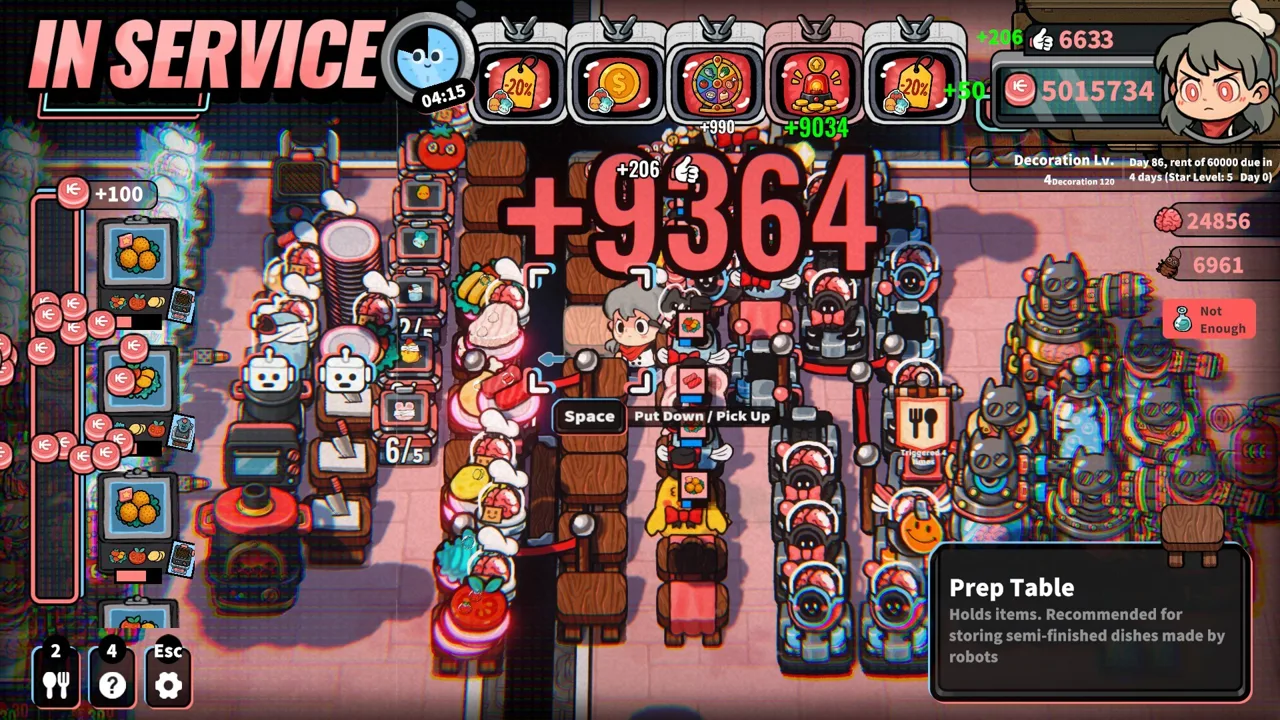 Image: Steam / GARRY
If an oxygen-station interaction coincides with stuttering, distinguish movement, station use, and general restaurant activity. Describe whether input stops responding, the image becomes choppy, or both occur together. Avoid naming a technical cause solely from how the slowdown feels.
Include your processor, graphics card, RAM, and Windows version when reporting performance problems. The game's minimum Windows requirements provide a concrete baseline:
| Component | Minimum requirement |
|---|---|
| Operating system | Windows 10 or 11, 64-bit |
| Processor | Intel Core i5-6xxx or AMD FX-6300 |
| Memory | 8 GB RAM |
| Graphics | NVIDIA GeForce GTX 750 or AMD Radeon R7 265 |
| Storage | 1 GB available space |
Meeting those requirements does not explain every slowdown. Add the gameplay context alongside your hardware: the relevant structure, visible restaurant activity, and whether robot automation was running.
For Life, the Universe, and Restaurants reporting issues involving controls, include the input device even when the game generally works with it. The game supports controllers and offers a keyboard-only option. A problem limited to one menu still needs the particular action and device identified.
Separate save behavior from menu behavior
An unresponsive save confirmation and missing progress after reopening the game are different symptoms. Describe whichever you actually encountered.
If a save interaction stops responding, capture the menu state and explain which input you attempted. Do not describe the save as completed simply because you selected a button.
The game includes Steam Cloud support. Keep your report precise about where progress changed: during a save attempt, after closing the game, or after opening it again.
Early development builds displayed a warning that future updates could reset saves. Keep that warning tied to those builds when explaining a playtest problem.
Avoid deleting saves to investigate a failure. Preserve the affected progress and capture the visible symptom before trying further changes.
Follow Up Without Losing the Original Problem
A clear follow-up should add information rather than repeat the opening complaint. Keep subsequent observations with the original report so the developer can follow what changed.
Add a new message when you discover a useful condition:
- The interaction fails with one input device but responds with another.
- The problem occurs only with a particular Recipe or recorded routine.
- A specific station interaction coincides with the slowdown.
- The behavior changes after a game update.
- The same action succeeds sometimes and fails at other times.
Describe those conditions as your own results. Do not extend them to other players or unrelated restaurant layouts.
For Life, the Universe, and Restaurants reporting issues, changing one relevant condition at a time helps keep your explanation coherent. If you alter the routine, rearrange the kitchen, and switch input devices together, you lose the ability to explain which change affected the symptom.
When something starts working again, name the action that now succeeds and the build you used. “Advertising upgrade confirmation responds on my controller after the update” gives a useful outcome. It also keeps your follow-up limited to the interaction you checked.
Keep suggestions equally concrete. Request more recording time for complex meat preparation, then explain which cooking actions feel rushed. Describe the problem the change would solve instead of asking for a broad automation overhaul.
FAQ
Where should I send Life, the Universe, and Restaurants reporting issues?
Use the developer's Discord community. GARRY invites players to contact him directly there with issues and suggestions. Include the failed action, your game version, input method, and relevant evidence.
Why do collected Coins need to go to the Vault?
Customers drop Coins after dining, and you collect them onto your back by approaching them. Transport those Coins to the Vault to obtain them. Picking them up does not finish the collection process.
What should I include when reporting a robot problem?
Name the Recipe, recorded actions, stations involved, and the point where playback stops matching your intended routine. Separate a playback failure from a request for more recording time.
Does the game support controllers and Steam Cloud?
Yes. The game includes full controller support, a keyboard-only option, and Steam Cloud. For a problem involving those features, identify the exact menu interaction or save behavior and the build you are playing.
Continue with
 Life, the Universe, and Restaurants Trailer and ScreenshotsExplore Life, the Universe, and Restaurants trailer and screenshots, from hands-on cooking to robot automation. Plan your space restaurant before you play.
More in Community
Life, the Universe, and Restaurants Developer and Publisher
Life, the Universe, and Restaurants developer and publisher: Meet GARRY and Gamersky Games, explore robot automation, and get the Windows game on Steam.
Life, the Universe, and Restaurants Discord: Join Guide
Join the Life, the Universe, and Restaurants discord community to ask gameplay questions, share robot setups, and send useful bug reports to the developer.
Join the community
Official channels for news, updates and player help: