
Life, the Universe, and Restaurants Discord: Join Guide
Join the Life, the Universe, and Restaurants discord community to ask gameplay questions, share robot setups, and send useful bug reports to the developer.
Jump to
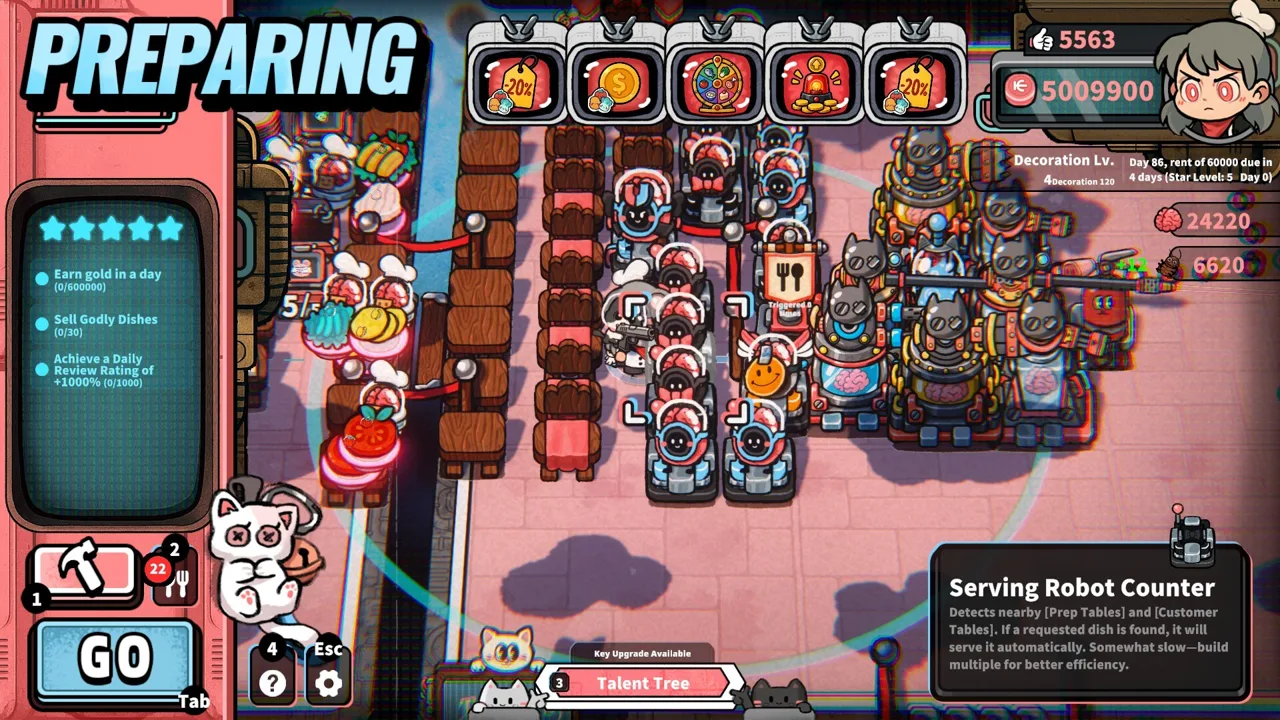
How to Join the Developer’s Discord Community
A restaurant full of impatient gods gives you plenty to talk about between shifts. The Life, the Universe, and Restaurants Discord connects you with the developer’s community, where you can bring gameplay questions, suggest improvements, and report problems. Use the Life, the Universe, and Restaurants Discord invite code pNGxjHPS72 to join, then come prepared with the kitchen setup or issue you want to discuss.
Developer Garry welcomes feedback and invites players to reach out directly through Discord. That makes the community useful when your question needs more detail than “my robots aren’t working.” Explain what you were trying to automate, which preparation step caused trouble, and what happened instead.
| Community Detail | What You Need to Know |
|---|---|
| Discord invite code | pNGxjHPS72 |
| Developer | GARRY |
| Publisher | Gamersky Games |
| Developer contact | Garry welcomes questions about issues and suggestions through Discord |
| Other player options | Visit the game’s Steam page to explore the game and access its community features |
Use the invite code in Discord rather than trying to identify the community by its display name alone. Once you arrive, read any posted rules and check where your topic belongs before sending a message.
Keep your opening post focused. “How should I split this recipe between Cooking Robots?” gives people a clear starting point. A paragraph covering recipes, defense, controls, and pricing at once makes it harder to answer any of those questions properly.
If you want to play before joining the discussion, visit the Life, the Universe, and Restaurants Steam page to find the game and its demo. Having a specific restaurant problem to discuss makes the conversation much more useful.
Ask Better Questions About Robots and Kitchen Layouts
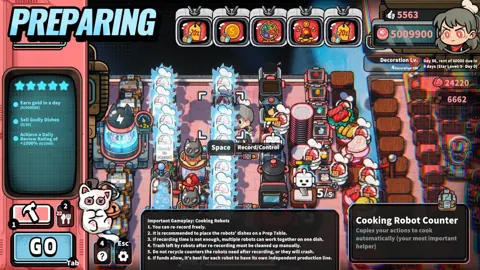
Automation is a natural topic for the Life, the Universe, and Restaurants Discord. You can record a cooking routine and have robots repeat it, while other robot duties include taking orders, serving dishes, transporting Coins, and cleaning up.
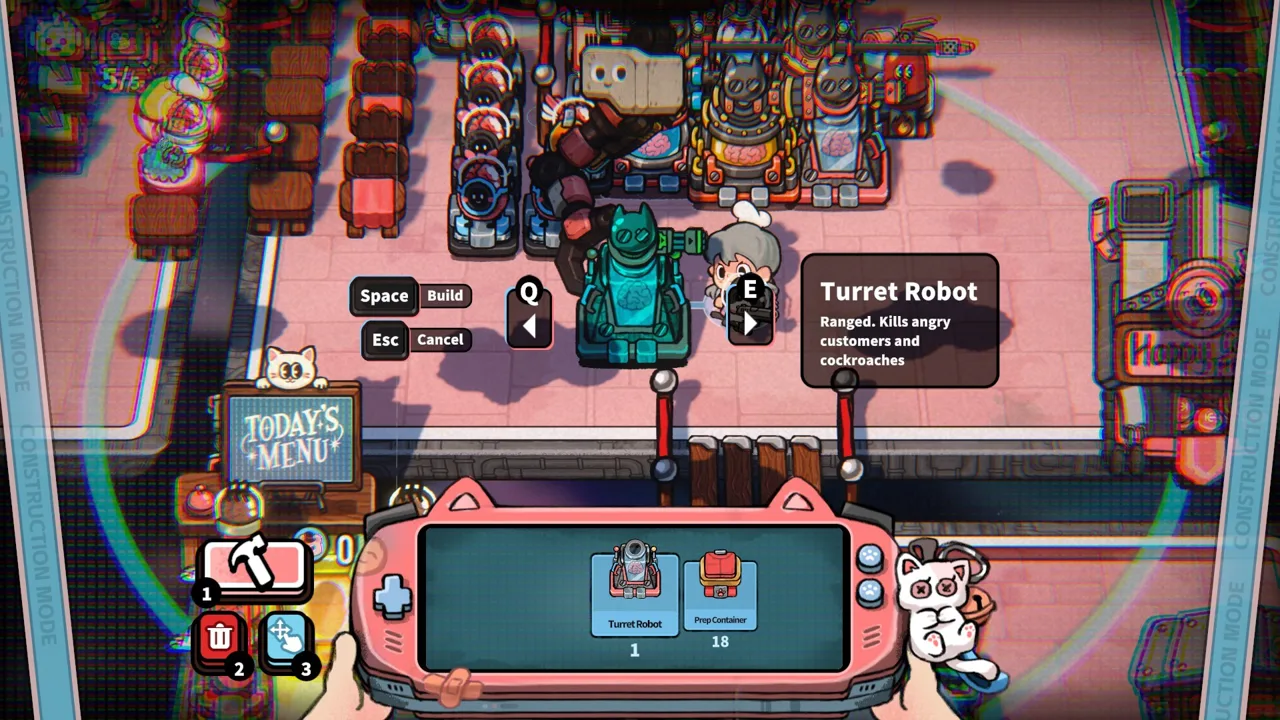 Image: Steam / GARRY
The interesting questions start when those individual jobs need to work together. Higher-tier Recipes involve increasingly complex preparation steps, and multiple Cooking Robots can handle them in sequence. A kitchen that handles a simple dish comfortably can need a different arrangement when the recipe becomes more involved.
Describe the whole process when asking for help. Include the ingredients, preparation stations, robot responsibilities, and route to the Customer Tables. Those details give someone enough information to suggest a layout change or a different division of labor.
| Gameplay Topic | Details to Include | Example Question |
|---|---|---|
| Recorded cooking routines | Recipe, action sequence, and the point where the routine goes wrong | “Which preparation steps should I separate between Cooking Robots?” |
| Serving workflow | Table placement, kitchen position, and serving responsibilities | “How would you shorten the route from these stations to the tables?” |
| Coin transport | Collection duties and the path to the vault | “Where should I place the vault relative to this layout?” |
| Complex recipes | Preparation steps and each robot’s assigned task | “How would you arrange these robots to work in sequence?” |
| Restaurant expansion | Existing facilities, new space, and the problem you want to solve | “How would you use this plot to improve kitchen traffic?” |
Before posting, follow one dish through your restaurant. Watch ingredient preparation, cooking, plating, and delivery. Note where the process slows down, then ask about that part.
For example, a serving question becomes much clearer when you explain that the food is ready but the route to the tables crosses the preparation area. “Should I move the tables or rearrange the stations?” invites a focused discussion about traffic flow.
When sharing a setup, explain its purpose. A screenshot can show where everything sits, but it cannot explain why you assigned one robot to Coin transport or built a separate preparation area. Add that reasoning so other players can understand the tradeoffs.
Change one part of the layout at a time when experimenting. Compare the workflow afterward, then share what improved and what still needs attention. That gives the conversation something concrete to build on.
Discuss Star Upgrades, Menu Strategy, and Defense
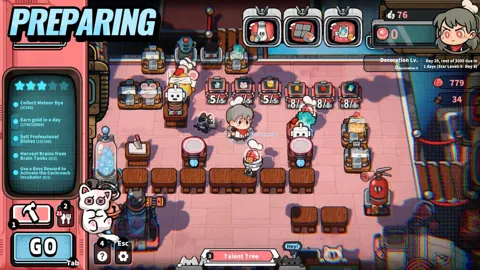
The restaurant’s progression runs from 1 Star to 5 Stars, with business objectives at each stage. Increasing your Star Rating opens access to more plots, Recipes, structures, robots, ads, talents, and management systems.
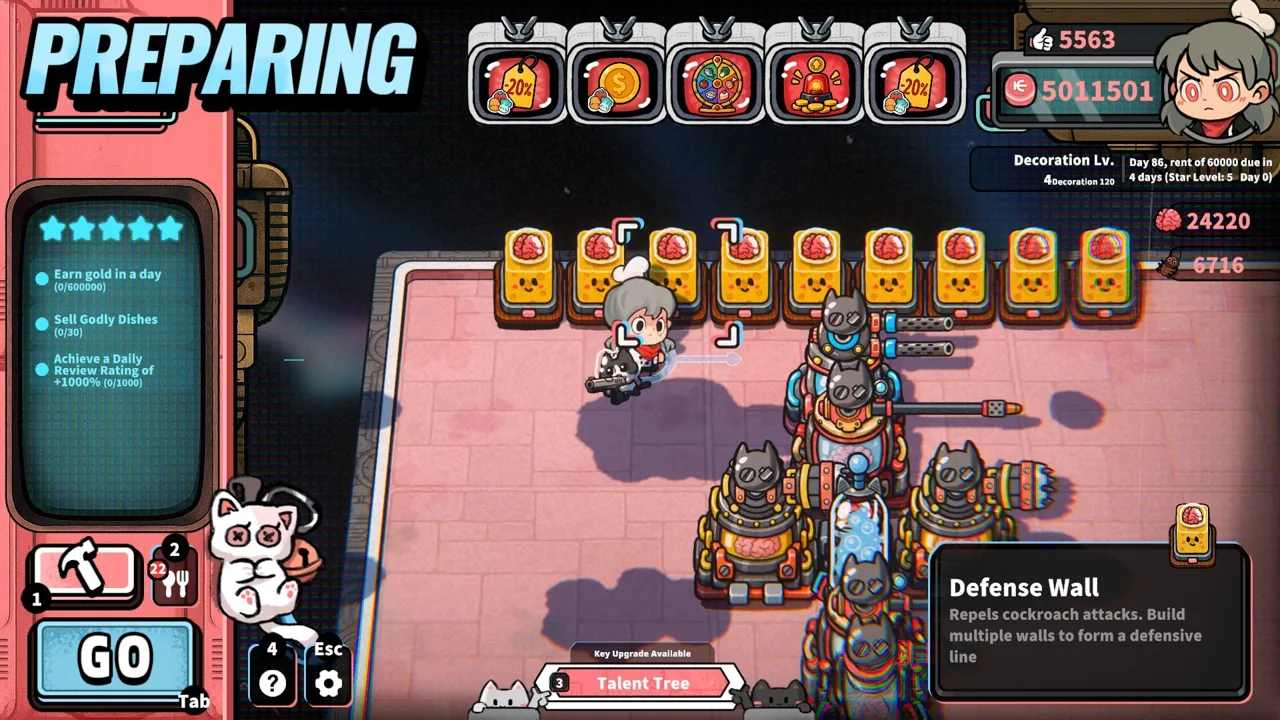 Image: Steam / GARRY
Include your current Star Rating when asking a progression question in the Life, the Universe, and Restaurants Discord. Advice about a developed restaurant is easier to use when everyone knows which tools you currently have.
Also name the objective you are working toward. “I need help expanding” leaves a lot open. Explain whether you need more production capacity, a cleaner route through the kitchen, or a way to handle a more complicated menu.
| System | Gameplay Function | What to Discuss |
|---|---|---|
| Star Rating | Progresses through business objectives from 1 Star to 5 Stars | Your current objective and available facilities |
| Posters | Encourage customers to order particular dishes | Which dishes you want to promote |
| TVs | Steer customers toward a selected menu | How the menu fits your kitchen’s capacity |
| Coins | Support purchases such as cookware and restaurant expansion | The purchase you are considering and its purpose |
| Brains | Upgrade talents and unlock more powerful brain-based robots | The talent or robot you want to pursue |
| Defense Facilities | Help protect the restaurant alongside Turret Robots and Guards | Placement and the threat you need to handle |
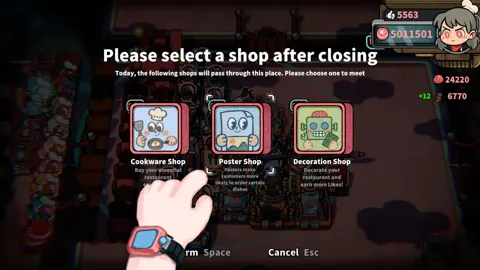
Menu strategy deserves the same attention as kitchen design. Posters and TVs influence orders, so promoting a dish affects the work your restaurant needs to perform.
Before asking about advertising, describe your production line. Explain which dishes it handles smoothly and which require more preparation. Ask how to align customer orders with the kitchen you have built.
Keep pricing conversations specific, too. The game supports strategies built around dish prices, order rates, serving speed, and automation efficiency. Share the strategy you are trying rather than asking for a universal menu.
Defense adds another decision: how much trouble do you want from your customers? Trash Bins, lighting, and other methods can reduce their patience. Enraged customers can become a source of Brains under the game’s self-defense rules, and those Brains feed into talents and robot development.
When discussing that approach, explain both sides of the plan. Include how you intend to provoke customers and how you intend to protect the restaurant afterward. Turret Robots, Guards, and other Defense Facilities belong in the same conversation as customer patience.
Send Bug Reports That Explain the Problem
Garry specifically welcomes issues and suggestions through Discord. Use the Life, the Universe, and Restaurants Discord to describe a problem clearly enough that someone else can understand what happened and attempt the same action.
 Image: Steam / GARRY
Start with the version you played. Distinguish the demo or playtest from another version, and identify your input method. That matters for problems involving menu navigation, controller selection, or keyboard interactions.
Separate the action from the result. “The upgrade screen is broken” gives little direction. “I opened the advertising upgrade screen with a controller and could not select the material option” identifies the screen, input device, and failed action.
| Report Detail | What to Include |
|---|---|
| Version | Whether you were playing the demo, playtest, or another identified build |
| Input method | Keyboard and mouse, keyboard-only controls, or controller |
| Location | The menu, station, or restaurant area involved |
| Actions | The sequence immediately before the problem |
| Expected result | What you intended the action to do |
| Actual result | What appeared on screen or stopped working |
| Supporting media | A screenshot or short recording, if you have one |
Keep the reproduction steps short and chronological. Describe opening the relevant screen, selecting an option, and attempting the action. Include only the steps connected to the problem.
For a cooking robot issue, name the recipe and describe the routine you attempted to record. Point out the step where recording or execution stopped matching your intended sequence. For a performance issue, explain which station you were interacting with and what the restaurant was doing at that moment.
Avoid guessing at the technical cause. A slowdown near a station tells the developer where to investigate; it does not tell you which part of the code is responsible.
If you encounter the same problem again, add the new detail to your existing discussion. A second occurrence might reveal that it happens with one input method or after a particular action. Keep those observations together so the report stays readable.
Share Suggestions Other Players Can Understand
The Life, the Universe, and Restaurants Discord is also a place to bring suggestions directly to the developer. Tie each suggestion to a gameplay task and explain what you want to improve.
Robot training offers a clear example. If a complicated preparation routine feels rushed, describe the recipe, the actions you need to record, and where you run out of room to complete the sequence. Then explain the change you would like to see.
Structure feedback around three points:
- The task: What were you trying to accomplish?
- The obstacle: What made that task difficult or confusing?
- The proposed change: What would improve the interaction?
Keep bug reports and design requests distinct. A button that cannot be selected describes a failed interaction. A request for clearer button labels describes an improvement to an interaction that works.
When asking another player for help, make it easy to respond. Post a readable layout image, name the relevant Recipe, and explain your objective. If someone suggests moving a station, reply with what happened after the change.
Remember that the game is single-player. Use the Life, the Universe, and Restaurants discord to describe an issue or suggest a change to the developer. Be specific about the dish, robot, or defense arrangement you want to discuss.
You also do not need to wait until your restaurant reaches 5 Stars to contribute. A clear question about early cooking, serving, or Coin transport can lead to a useful exchange. Bring the problem you actually have, along with enough detail for someone to help solve it.
FAQ
What is the Life, the Universe, and Restaurants Discord invite?
The developer’s Discord invite code is pNGxjHPS72. Use it in Discord to join the community, where Garry welcomes issues and suggestions.
Can I contact the developer through Discord?
Yes. Garry invites players to reach out directly through Discord about problems and suggestions. Include your game version, input method, and a clear explanation of the action involved.
What should I discuss in the community?
Bring questions about cooking routines, robot automation, kitchen layouts, Star Upgrade objectives, menu advertising, and restaurant defense. Include the relevant Recipe, facilities, or objective so others can give a focused answer.
Is Life, the Universe, and Restaurants multiplayer?
Life, the Universe, and Restaurants is single-player. You can use the community to compare restaurant setups and discuss strategies while managing your own restaurant.
Continue with
 Life, the Universe, and Restaurants Reporting Issues: HelpLife, the Universe, and Restaurants reporting issues guide: learn where to send bugs, what details to include, and how to explain control or robot trouble.
More in Community
Life, the Universe, and Restaurants Developer and Publisher
Life, the Universe, and Restaurants developer and publisher: Meet GARRY and Gamersky Games, explore robot automation, and get the Windows game on Steam.
Life, the Universe, and Restaurants Trailer and Screenshots
Explore Life, the Universe, and Restaurants trailer and screenshots, from hands-on cooking to robot automation. Plan your space restaurant before you play.
Join the community
Official channels for news, updates and player help: