
Life, the Universe, and Restaurants System Requirements: PC
Life, the Universe, and Restaurants system requirements explained: check minimum PC specs, Windows support, storage, and controls before opening your shop.
Jump to
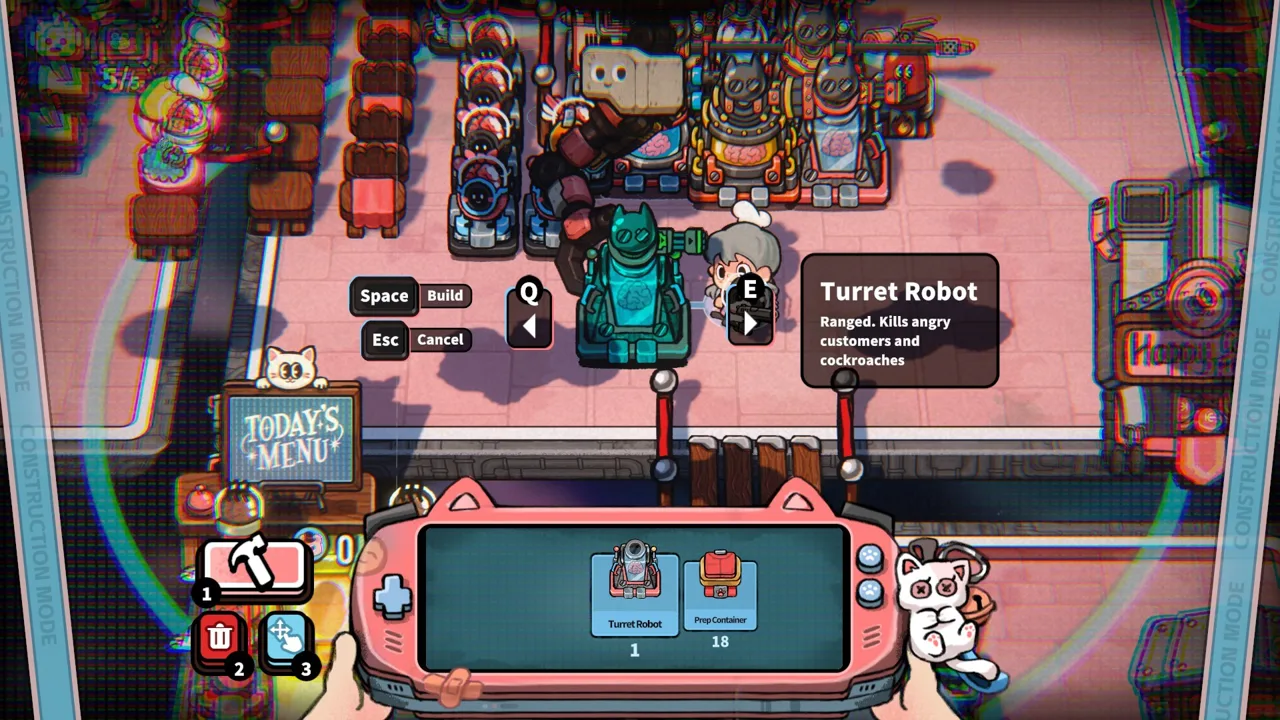
Minimum PC Specs Before You Open for Business
Your kitchen already has enough problems without your computer becoming another one. The Life, the Universe, and Restaurants system requirements give you a hardware checklist before you start juggling orders, collecting coins, and teaching robots to cook. Check the Life, the Universe, and Restaurants system requirements against your actual components so you can spend your attention on impatient gods and a crowded dining room.
The game requires 64-bit Windows 10 or Windows 11, 8 GB of RAM, and 1 GB of available storage, alongside the processor and graphics hardware below.
| Component | Minimum requirement |
|---|---|
| Operating system | Windows 10 or Windows 11, 64-bit |
| Intel processor | Intel Core i5-6xxx |
| AMD processor | AMD FX-6300 |
| Memory | 8 GB RAM |
| NVIDIA graphics | NVIDIA GeForce GTX 750 |
| AMD graphics | AMD Radeon R7 265 |
| Storage | 1 GB available space |
The Intel and AMD processors are alternatives. Likewise, the NVIDIA and AMD graphics cards represent separate options; you do not need both brands installed.
These are minimum requirements, so use them as your starting point when checking compatibility. Keep the distinction between meeting a hardware requirement and expecting a particular frame rate. A component checklist is useful for deciding whether your computer reaches the game's baseline, while performance also depends on how the complete system operates.
The CPU entry deserves particular attention. “Core i5” by itself is not a complete match. The requirement identifies the i5-6xxx family. Look at the full processor model instead of stopping at the familiar i5 badge on your laptop or desktop.
Apply the same care to the graphics requirement. “GeForce” and “Radeon” cover many different products. Identify the complete GPU name before comparing it with the GTX 750 or R7 265.
Storage is the simplest number here, but read it correctly: 1 GB available space describes the storage requirement. It is not a statement about download size.
How to Compare Your Computer With the Requirements
Checking the Life, the Universe, and Restaurants system requirements works best when you compare each component separately. A computer with enough memory can still fall short elsewhere, and a capable graphics card does not replace the required operating system.
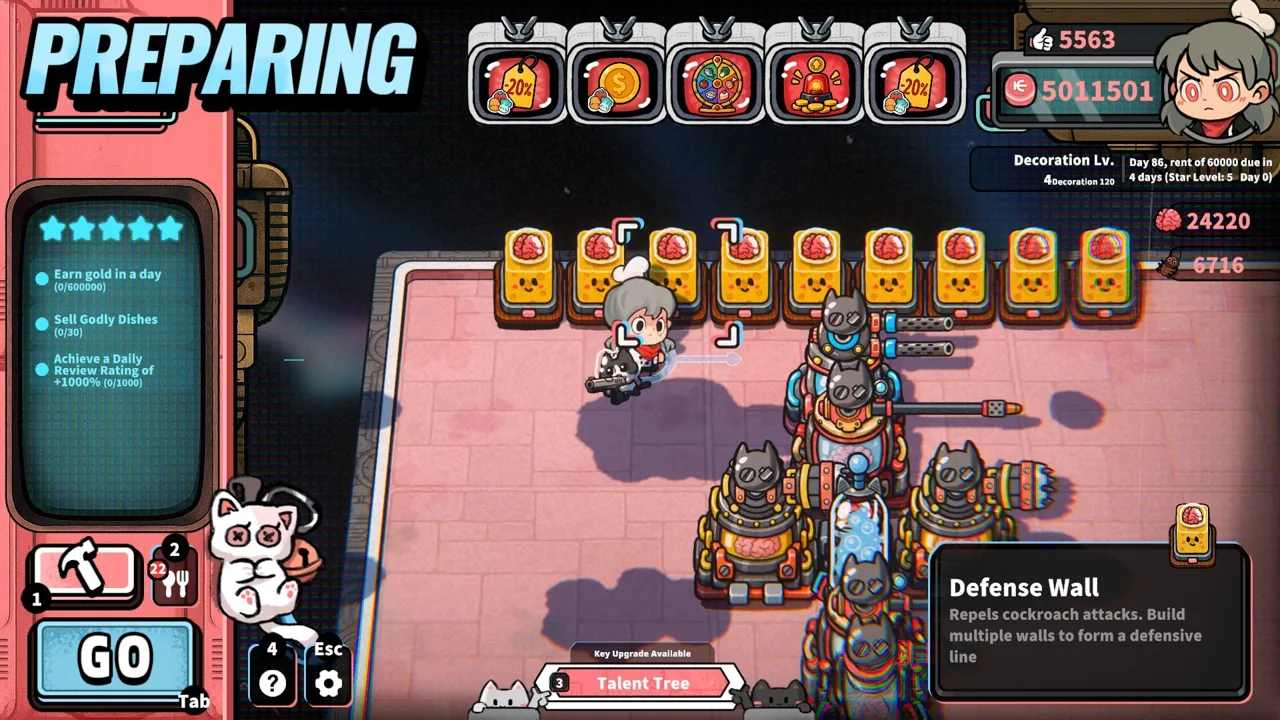 Image: Steam / GARRY
Start by gathering your operating system version, system architecture, processor model, installed RAM, graphics model, and available drive space. Keep the full hardware names together so you can review everything without relying on memory.
| Check | What to compare | Practical next step |
|---|---|---|
| Windows version | Windows 10 or Windows 11 | Check the operating system installed on the computer you will use |
| System architecture | 64-bit | Include architecture in your compatibility check |
| Processor | Core i5-6xxx or FX-6300 baseline | Compare the complete CPU model |
| RAM | 8 GB | Check installed memory separately from storage |
| Graphics | GTX 750 or R7 265 baseline | Identify the GPU rather than relying on the computer's branding |
| Drive space | 1 GB available | Check the intended installation drive |
Checking a Laptop
Give the graphics hardware extra attention when comparing a laptop with the Life, the Universe, and Restaurants system requirements. A processor label alone does not answer the GPU question, and matching the memory requirement does not complete the compatibility check.
Write down the graphics model alongside the CPU. If you are comparing unfamiliar hardware with the named minimum cards, compare the actual products rather than assuming similar model numbers mean similar performance.
Keep RAM and drive capacity separate, too. The requirement calls for 8 GB of memory and 1 GB of available storage. Those numbers describe different resources, even though both use gigabytes.
Checking an Older Desktop
For an older desktop, work through the whole table before deciding whether an upgrade makes sense. Identify the component that falls short instead of replacing hardware based on the game's appearance.
The colorful restaurant and cartoon customers make the game look approachable, but the hardware requirements still apply. Treat the processor, graphics card, memory, operating system, and storage as separate checks.
Before purchasing hardware, finish that comparison. A clear inventory helps you avoid spending money on a component that already meets the relevant requirement while overlooking another part of the system.
Windows Support, Controllers, and Other Features
The Life, the Universe, and Restaurants system requirements apply to the game's Windows release. The game released on October 12, 2026, with GARRY as its developer and Gamersky Games as its publisher.
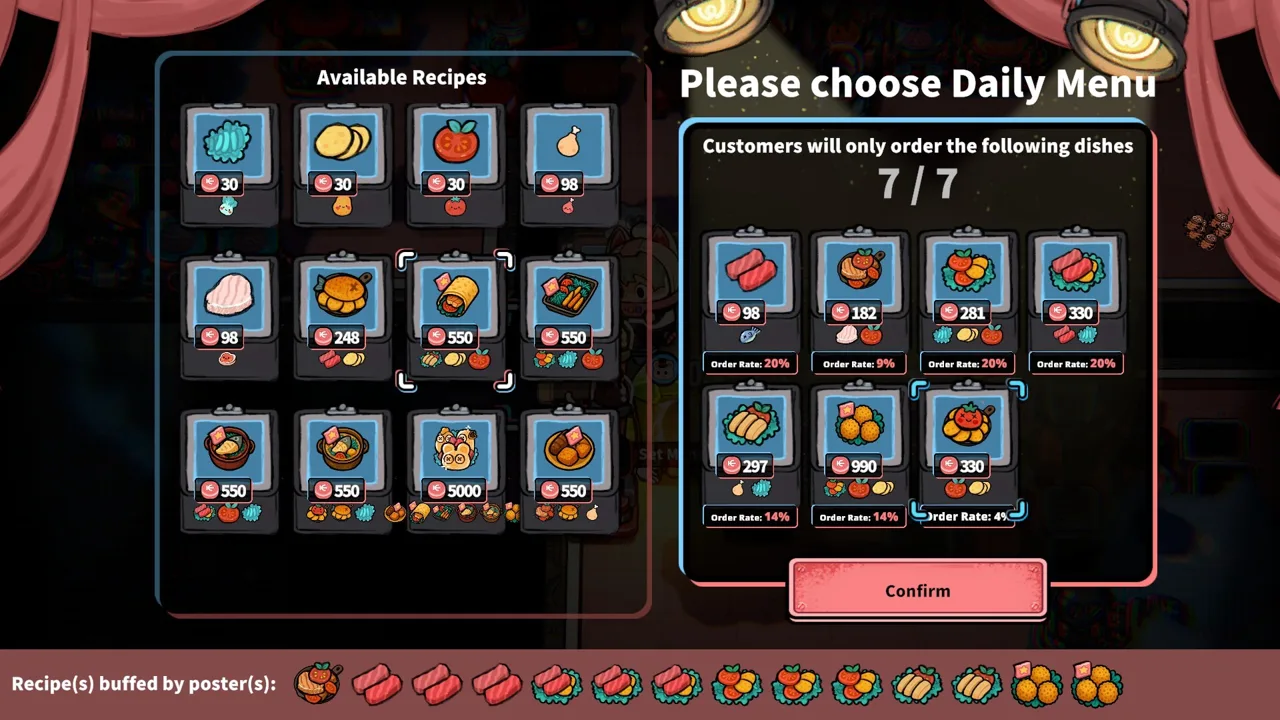 Image: Steam / GARRY
Native platform support is Windows. Mac and Linux do not have native versions in this release.
| Platform or feature | Support |
|---|---|
| Windows | Supported |
| macOS | No native version |
| Linux | No native version |
| Player mode | Single-player |
| Controller input | Full controller support |
| Gamepad preference | Gamepad recommended |
| Keyboard input | Keyboard-only option |
| Cloud saves | Steam Cloud |
| Additional Steam features | Steam Leaderboards and Family Sharing |
For controls, the game offers full controller support and recommends a gamepad. It also includes a keyboard-only option, giving you another way to handle restaurant service.
Choose your input method before you start a busy shift. Cooking involves gathering ingredients, using preparation stations, plating food, and delivering meals. Familiarity with those interactions matters when orders stack up.
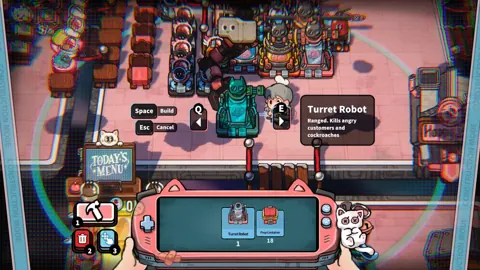
The game is single-player. Your growing workforce comes from robots that take over restaurant duties, including cooking, serving, transporting coins, taking orders, and cleaning.
English is supported, alongside Simplified Chinese, Traditional Chinese, Japanese, Korean, French, Brazilian Portuguese, and European Portuguese. Simplified Chinese has full audio support.
Steam Cloud is another useful feature to keep in mind when choosing where to play. The game also supports Family Sharing and Steam Leaderboards.
You can buy Life, the Universe, and Restaurants on Steam once you have finished comparing your computer with the hardware checklist.
Slow Performance or a Kitchen Bottleneck?
The Life, the Universe, and Restaurants system requirements help you assess your computer, but restaurant trouble also has mechanical causes. A robot waiting for cookware, a shortage of plates, and a floor covered in uncollected money each need a different response.
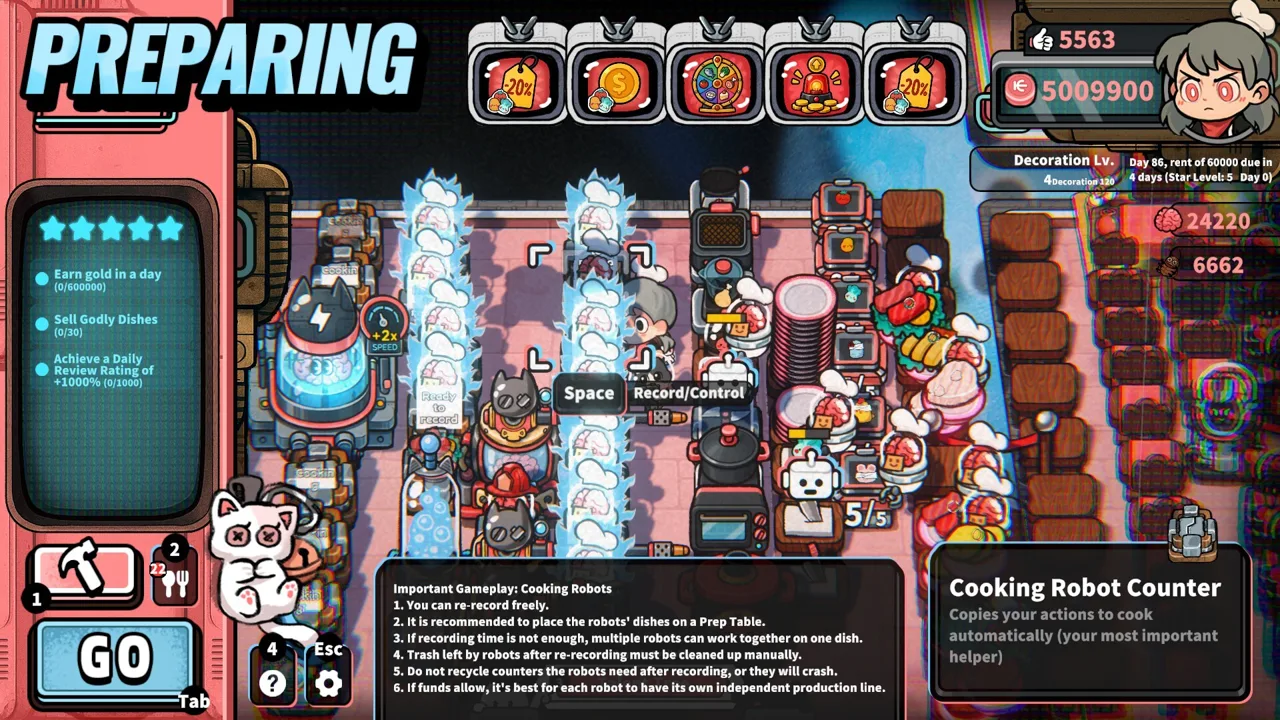 Image: Steam / GARRY
Watch what stops moving. Is the whole picture stuttering, or is one worker waiting while everything else continues? That distinction helps you choose what to investigate.
| Problem during service | Relevant mechanic | What to check |
|---|---|---|
| A cooking robot cannot finish its routine | Robots repeat recorded cooking actions | Review the routine and access to its stations |
| Robots wait at shared equipment | Cooking tasks use preparation facilities | Inspect equipment queues and competing tasks |
| Food is ready but cannot be served | Dishes need plates | Review plate availability and related talents |
| Coins accumulate around tables | Coins must be transported to the vault | Inspect transport coverage and collection capacity |
| Customers become hostile | Waiting drains customer patience | Review serving delays and nearby patience-reducing structures |
Review Robot Routines After Rearranging
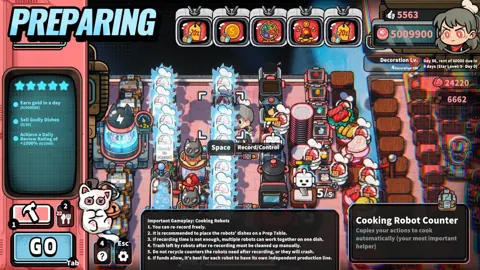
Cooking robots repeat procedures you record. That makes layout part of the automation setup rather than mere decoration.
After relocating equipment, review the affected routine before relying on it during service.
Build a clear path between the ingredients, processing equipment, plates, and destination. Then record the task around that arrangement. Keep shared equipment accessible to every robot that needs it.
More robots do not automatically remove every delay. If several tasks depend on the same appliance, inspect that shared step before buying additional workers.
Check Plates and Coin Collection
A waiting plate supply can make a functioning kitchen feel stalled. Plate-related talents address availability and speed, while transport upgrades address how effectively robots move money.
Follow the blockage through the restaurant. If ingredients are processed but finished meals cannot leave the kitchen, check plates. If service continues but earnings remain scattered on the floor, check collection.
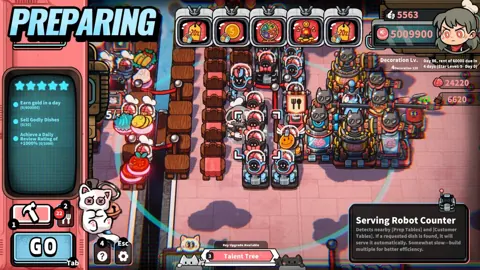
Coins need to reach the vault to become usable funds. Place transport stations around the areas where money drops, and review their range before adding more customer tables.
Investigate Stuttering Separately
Separate whole-screen stuttering from delays at individual cooking stations when troubleshooting.
For a computer-side check, compare your hardware with the minimum table and reduce unnecessary background activity. For a restaurant-side check, inspect the station, routine, or resource that is holding up work.
Describe the symptom precisely when seeking help: whole-screen stuttering, a robot stuck on one action, or meals waiting for plates. Those are more useful descriptions than simply saying the game feels slow.
Prepare Your Setup for a Growing Restaurant
Meeting the Life, the Universe, and Restaurants system requirements gets your computer ready for the game. Preparing the restaurant itself means planning for increasingly complex recipes, more facilities, and a larger robot workforce.
Your goal is to progress from a one-star restaurant to five stars by completing the business objectives at each stage. Higher star ratings expand the recipes, robots, structures, plots, ads, talents, and management systems you can access.
Start with a layout you can understand at a glance. Keep ingredients, cutting facilities, and plates within a practical route, and preserve walking space around customer tables.
Use these checks before increasing demand:
- Inspect the cooking route. Remove awkward detours between preparation steps.
- Review robot recordings. Check routines affected by equipment moves.
- Check the plate supply. Match serving capacity with the meals being prepared.
- Inspect coin collection. Keep money transport in step with customer service.
- Review advertisements. Match dish promotions with your kitchen's production capacity.
- Watch customer patience. Account for trash bins and other structures that reduce it.
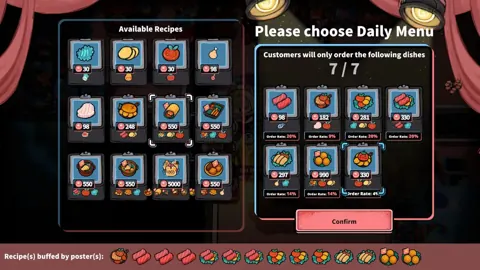
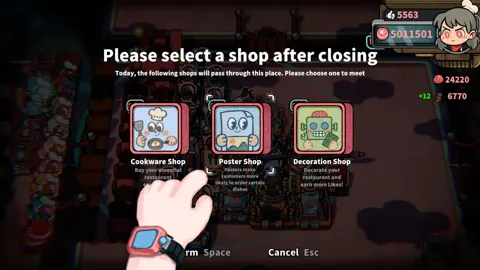
Advertisements can increase profits from particular dishes and change your business strategy. Posters make customers more likely to order selected meals. Use those tools together, then check whether your kitchen can keep up with the resulting orders.
Avoid increasing customer demand while a preparation step is already congested. Expand the relevant part of the production line, review the layout, and then adjust your promotions.
As recipes become more complex, arrange multiple cooking robots to handle successive tasks. Keep their stations and handoffs clear so that automation reduces your workload.
Finish your hardware check, choose your controls, and give the kitchen room to function. You'll have plenty to manage once the gods arrive.
FAQ
What are the minimum Life, the Universe, and Restaurants system requirements?
You need 64-bit Windows 10 or Windows 11, an Intel Core i5-6xxx or AMD FX-6300 processor, 8 GB RAM, a GeForce GTX 750 or Radeon R7 265 graphics card, and 1 GB of available storage.
Can I play Life, the Universe, and Restaurants on Mac or Linux?
The native release supports Windows. There are no native macOS or Linux versions for the October 12, 2026 release.
Does Life, the Universe, and Restaurants support controllers?
Yes. The game offers full controller support and recommends a gamepad. A keyboard-only option is also included.
How much storage space does the game require?
The minimum storage requirement is 1 GB of available space. Check free space on the drive where you intend to install the game.
Continue with
 Life, the Universe, and Restaurants Crossplay ExplainedLife, the Universe, and Restaurants crossplay explained: explore Windows support, solo gameplay, robot automation, and what to know before you get cooking.
More in Platforms
See all PlatformsPopular pages
Life, the Universe, and Restaurants Release Date: Guide
Life, the Universe, and Restaurants release date is October 12, 2026. Explore Steam launch details, PC requirements, and tips for your cosmic kitchen.
Life, the Universe, and Restaurants FAQ: Starter Guide
This Life, the Universe, and Restaurants FAQ covers robots, brains, star upgrades, and PC requirements. Learn how to manage your kitchen and collect coins.
Life, the Universe, and Restaurants Automation Guide
Master Life, the Universe, and Restaurants automation with robot routines, smarter kitchen layouts, coin collection, and menu strategies. Build your crew.
Life, the Universe, and Restaurants Coin Collection Guide
Master Life, the Universe, and Restaurants coin collection with vault routes, transport robots, ad strategies, and practical tips to grow daily income.
Join the community
Official channels for news, updates and player help: