
Life, the Universe, and Restaurants Platforms Guide
Explore Life, the Universe, and Restaurants platforms, Windows PC requirements, controller options, and Steam features before opening your cosmic kitchen.
Jump to
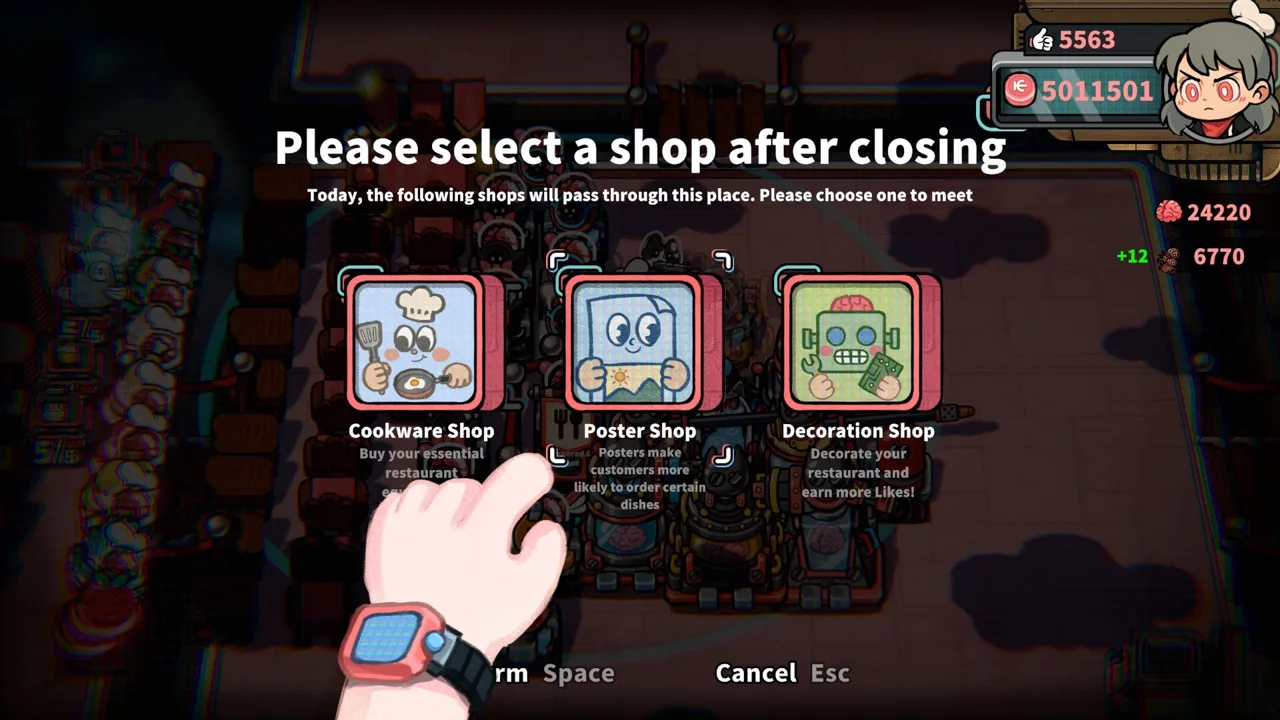
Life, the Universe, and Restaurants platforms at launch
Your cosmic restaurant needs the right machine before it needs another prep counter. Life, the Universe, and Restaurants platforms currently center on Windows PC through Steam, so checking your operating system and controls comes before planning your kitchen. This Life, the Universe, and Restaurants platforms guide covers launch support, minimum PC specs, controller options, and the Steam features that matter when you're ready to play.
Released on October 12, 2026, the game puts you in charge of a restaurant serving customers who call themselves “gods.” You gather ingredients, prepare meals, deliver orders, and expand the business while increasingly demanding guests test your organization. Robot workers eventually help turn those frantic kitchen routines into automated production.
The game is developed by GARRY and published by Gamersky Games. Its supported desktop operating systems break down as follows:
| Platform | Native support | Operating system details |
|---|---|---|
| Windows PC | Yes | Windows 10 or Windows 11, 64-bit |
| macOS | No | No native Mac version |
| Linux | No | No native Linux version |
Windows compatibility is the starting point. A computer having Steam installed does not change the game's supported operating systems, and controller support does not indicate a console edition.
Check your operating system before downloading, especially if you use a Mac or Linux desktop for other games. Then compare your hardware against the minimum requirements below.
You can get Life, the Universe, and Restaurants on Steam. Keep the distinction between platform support and input support clear: Windows tells you where the game runs natively, while gamepad and keyboard options tell you how you can control it.
Windows PC requirements: Check your hardware before service
The next part of choosing between Life, the Universe, and Restaurants platforms is checking whether your Windows computer meets the minimum specifications. The requirements cover your operating system, processor, memory, graphics hardware, and storage.
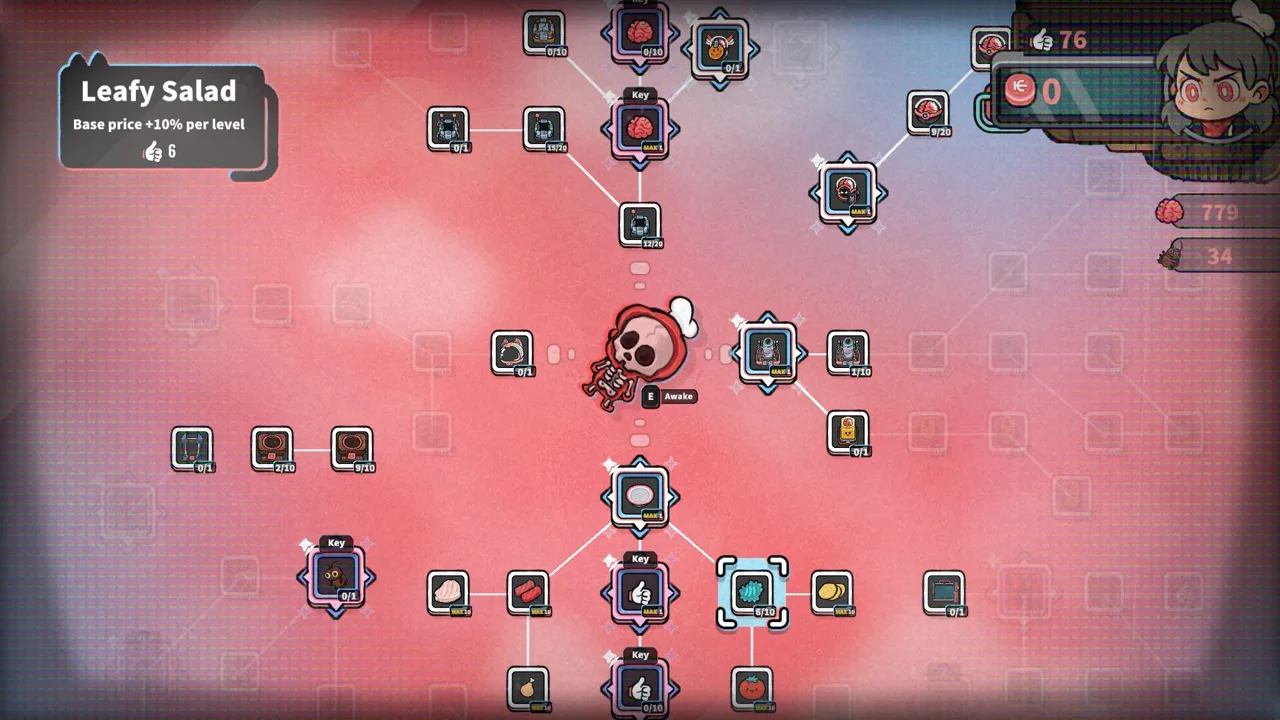 Image: Steam / GARRY
| Component | Minimum requirement |
|---|---|
| Operating system | Windows 10 or 11, 64-bit |
| Processor | Intel Core i5-6xxx or AMD FX-6300 |
| Memory | 8 GB RAM |
| Graphics | NVIDIA GeForce GTX 750 or AMD Radeon R7 265 |
| Storage | 1 GB available space |
Check every row rather than stopping at available storage. The 1 GB space requirement answers how much room you need, but memory, graphics, and processor requirements still apply.
The processor names also deserve a careful comparison. “Core i5” covers many processors, so compare your actual model with the listed i5-6xxx requirement. Likewise, identify the graphics hardware in your computer instead of assuming that any NVIDIA or AMD device matches the named minimum.
Treat these specifications as the minimum hardware target. They are not a promise of a particular frame rate, resolution, or graphics preset. Plan your purchase around the complete requirement table rather than a performance target the game does not assign to it.
Before installing, work through this short checklist:
- Verify that your Windows installation is 64-bit.
- Check that your computer has at least 8 GB RAM.
- Identify your processor and graphics hardware.
- Keep at least 1 GB of storage available for the game.
The hardware check matters because this restaurant combines several jobs. You handle food preparation, customer orders, payments, and layout decisions, then coordinate robots as production becomes more elaborate. Get the computer side sorted before trying to solve the kitchen side.
Controller and keyboard options for your restaurant
Input flexibility is another useful part of the Life, the Universe, and Restaurants platforms picture. On Windows, the game supports controllers and includes a keyboard-only option. A gamepad is recommended, giving you a clear starting point if you already prefer playing management games with a controller.
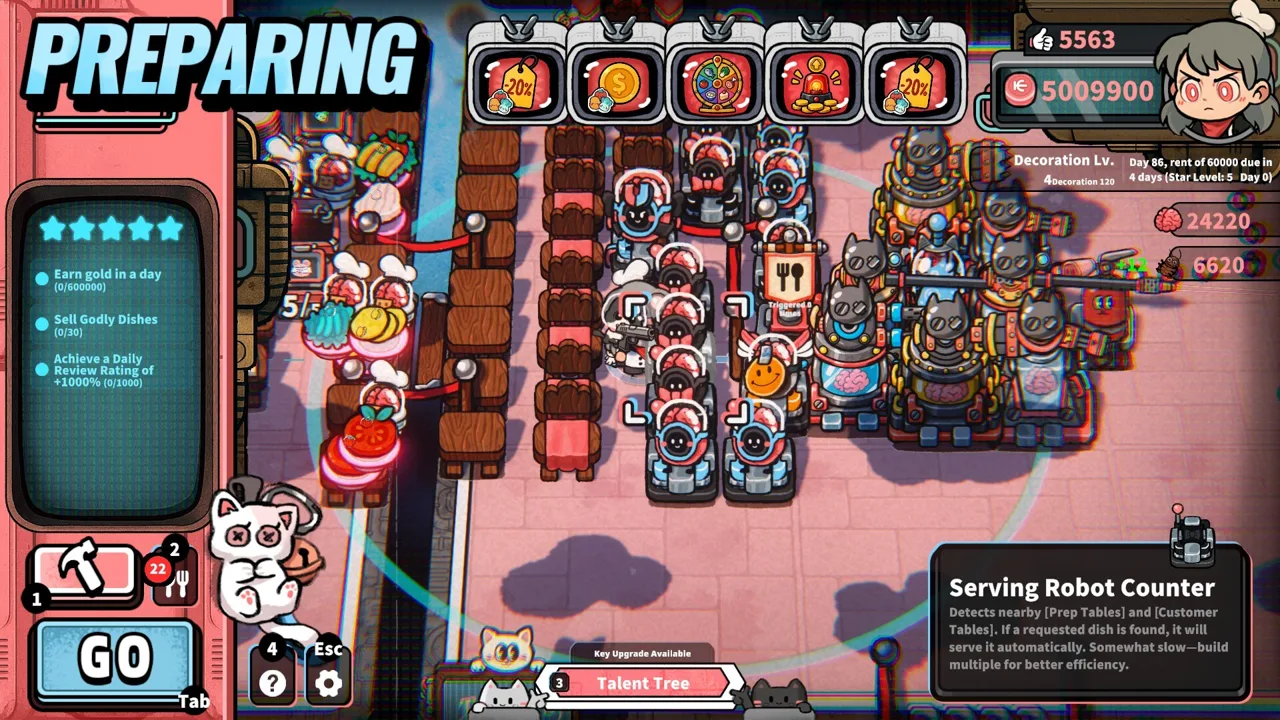 Image: Steam / GARRY
| Input or accessibility feature | Supported option | What to consider |
|---|---|---|
| Controller | Full controller support | Use a gamepad for a supported control setup |
| Input recommendation | Gamepad recommended | Start with a controller if that is your preferred device |
| Keyboard | Keyboard-only option | A keyboard is also a supported way to play |
| Timing accessibility | Playable without timed input | Consider this feature alongside the game's busy service loop |
Choose your input device around the work you will actually do. Cooking involves moving ingredients between preparation stations, plating dishes, and delivering them to customer tables. Restaurant management adds construction, equipment purchases, menus, advertisements, and upgrades.
Check both sides of the game when getting comfortable with your controls. Practice handling an order, then spend time navigating the management screens. Familiarity with movement is useful, but so is being able to find the equipment or upgrade you need between service periods.
The early cooking loop provides a straightforward example: pick up a leafy ingredient, take it to a cutting counter, process it, plate it, and deliver the dish. That sequence connects ingredient storage, preparation, plating, and service into one route.
Keep those connected tasks in mind when arranging your restaurant. Place stations to reduce unnecessary trips, and leave yourself a clear route to the tables. Your preferred controls and your kitchen layout should work together.
Controller support also sits alongside a single-player structure. The extra kitchen workers you recruit are robots, and their automation systems become part of managing your restaurant.
Steam features, languages, and solo play
Beyond installation and controls, Life, the Universe, and Restaurants platforms questions often involve saves, language options, and sharing. The Windows Steam edition includes several features worth knowing before you begin.
 Image: Steam / GARRY
| Steam feature | Supported functionality |
|---|---|
| Single-player | Run and develop your restaurant yourself |
| Steam Cloud | Cloud save support |
| Steam Leaderboards | Leaderboard functionality |
| Family Sharing | Steam Family Sharing support |
Steam Cloud is useful to keep in mind if you use multiple Windows computers. Keep your Steam synchronization in order when moving between machines, and check that the computer you switch to also meets the system requirements.
Leaderboards add a comparison feature, while Family Sharing gives the game another way to fit into your Steam library arrangements. Neither feature changes the central experience: you are building and operating your own restaurant.
The game supports English, Simplified Chinese, Japanese, Korean, Traditional Chinese, French, Brazilian Portuguese, and European Portuguese. Simplified Chinese includes full audio support.
Choose a language you can comfortably read. Progression involves business objectives, recipe instructions, talents, advertisements, and robot routines, so understanding those menus is part of running the restaurant efficiently.
The single-player focus becomes especially relevant once your orders start stacking up. You personally handle cooking and service at the beginning, while robots can take over duties including taking orders, preparing meals, serving dishes, transporting coins, and cleaning.
Build your expectations around that progression. The restaurant grows through layout improvements, new equipment, and automated staff, with you deciding how those pieces fit together.
Set up your Windows kitchen for the way the game works
Once the Life, the Universe, and Restaurants platforms and hardware checks are handled, turn your attention to the restaurant itself. The goal is to complete business objectives and raise your establishment from one star to five stars.
Higher star ratings open up more plots, recipes, structures, robots, advertisements, talents, and management systems. Expansion therefore involves more than adding seats: your kitchen must support a broader menu and increasingly complicated preparation.
Connect cooking stations into useful routes
Keep ingredient containers, preparation counters, and plating areas connected by short routes. Place customer tables with the serving trip in mind, and preserve room for the production facilities you add as the restaurant expands.
Remember that payments have their own journey. Customers drop coins after eating, and collected coins must be carried to the vault to become part of your funds. Include the vault in your layout planning instead of treating it as unrelated to service.
Balance seating with cooking capacity. Before adding more tables, review how many orders your current preparation stations and robot routines can handle. More customers create more work across the entire restaurant.
Give robots repeatable work
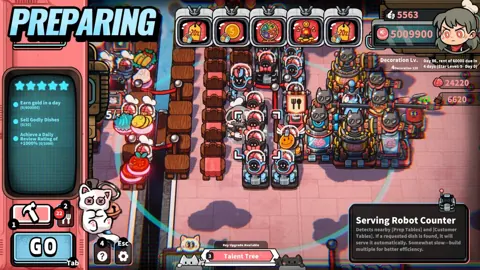
Robots learn recorded routines and repeat them. They can cover cooking, order-taking, delivery, coin transport, and cleanup, while multiple cooking robots can work in sequence on more complicated recipes.
Record a clear routine for a specific task. Follow the ingredient, preparation, plating, and delivery steps deliberately, then check how that routine fits with the surrounding work.
For higher-tier dishes, divide preparation across cooperating cooking robots. Arrange their stations around the order of the recipe so that each part of production connects to the next.
Automation makes layout planning more valuable. A kitchen that works for one person carrying everything needs another review when several robots begin performing separate jobs.
Match your menu to your production
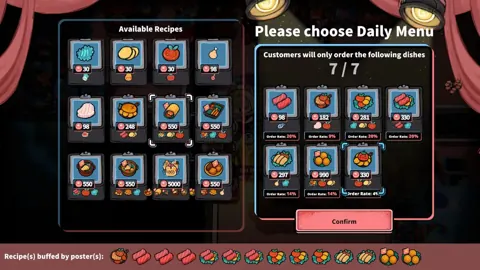
Advertisements can influence customer orders and improve profits from particular dishes. Posters encourage customers to choose specific meals, while TVs help direct them toward a selected menu.
Promote dishes your kitchen can prepare efficiently. Match advertising decisions to the recipes, equipment, and robot routines you already have working together.
Review serving speed alongside dish prices and order rates. The game supports different business strategies, including specializing in vegetable or meat dishes, maintaining a featured dish, and rotating your menu.
Plan for the restaurant's darker side
Customer patience is also a resource you can manipulate. Trash bins, lighting, and other methods can reduce patience until guests become enraged.
The game's self-defense system lets you kill unruly customers and collect their brains. Those brains support talent upgrades and more powerful brain-based robots, while turret robots, guards, and defense facilities help protect the restaurant.
Plan defensive equipment alongside your production facilities as those options become available. This cosmic business asks you to manage cooking, automation, profits, and confrontations within the same restaurant.
FAQ
Which Life, the Universe, and Restaurants platforms support native play?
Windows PC supports native play through Steam. The game requires a 64-bit version of Windows 10 or Windows 11.
Can you play Life, the Universe, and Restaurants natively on Mac or Linux?
No. The game has no native macOS or Linux version. Its supported desktop operating system is Windows.
Does Life, the Universe, and Restaurants support controllers?
Yes. It includes full controller support, recommends a gamepad, and also provides a keyboard-only option.
Is Life, the Universe, and Restaurants a single-player game?
Yes. You manage the restaurant yourself and use robot staff to automate tasks such as taking orders, cooking, serving, transporting coins, and cleaning.
Continue with
 Life, the Universe, and Restaurants System Requirements: PCLife, the Universe, and Restaurants system requirements explained: check minimum PC specs, Windows support, storage, and controls before opening your shop.
More in Platforms
See all Platforms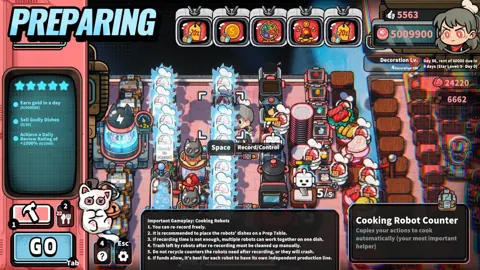
Popular pages
Life, the Universe, and Restaurants Release Date: Guide
Life, the Universe, and Restaurants release date is October 12, 2026. Explore Steam launch details, PC requirements, and tips for your cosmic kitchen.
Life, the Universe, and Restaurants FAQ: Starter Guide
This Life, the Universe, and Restaurants FAQ covers robots, brains, star upgrades, and PC requirements. Learn how to manage your kitchen and collect coins.
Life, the Universe, and Restaurants Automation Guide
Master Life, the Universe, and Restaurants automation with robot routines, smarter kitchen layouts, coin collection, and menu strategies. Build your crew.
Life, the Universe, and Restaurants Coin Collection Guide
Master Life, the Universe, and Restaurants coin collection with vault routes, transport robots, ad strategies, and practical tips to grow daily income.
Join the community
Official channels for news, updates and player help: