
Life, the Universe, and Restaurants Transport Robot Stations
Life, the Universe, and Restaurants transport robot stations automate coin collection. Learn station placement, cover dining tables, and keep cash moving.
Jump to
What Transport Robot Stations Actually Do
A floor covered in Coins means your kitchen has another job waiting. Life, the Universe, and Restaurants transport robot stations handle coin collection so you can spend more time preparing meals and serving hungry gods. Place Life, the Universe, and Restaurants transport robot stations around your payment areas to reduce the trips that keep pulling you away from the cutting counter.
Their role is straightforward: transport robots collect Coins within a station’s visible collection area and carry them to the Vault. Cooking, serving, and cleanup are separate jobs within the game’s broader robot system.
That distinction matters during a rush. Automating a recipe helps produce food, but payments still need collecting. A transport robot handles that recurring task while you work elsewhere.
| Restaurant task | How it works |
|---|---|
| Preparing dishes | Cooking Robots repeat recorded cooking actions |
| Serving customers | Robots can handle serving as part of restaurant automation |
| Transporting Coins | Transport robots collect nearby Coins and deliver them to the Vault |
| Cleaning up | Robot staff can handle cleanup duties |
Coins Need to Reach the Vault
Customers throw Coins onto the floor after being served. Picking them up is only part of the payment process: you must bring them to the Vault to obtain them.
In the demo, Coins left on the floor when the service timer ends are forfeited. That makes collection part of finishing the work you already did in the kitchen. Preparing another dish while existing payments remain scattered can leave you with more income to retrieve before closing.
Watch the payment area during service. If you regularly interrupt cooking to scoop up Coins, prioritize transport coverage before adding more customer seats.
How to Set Up Your Transport Robot Station
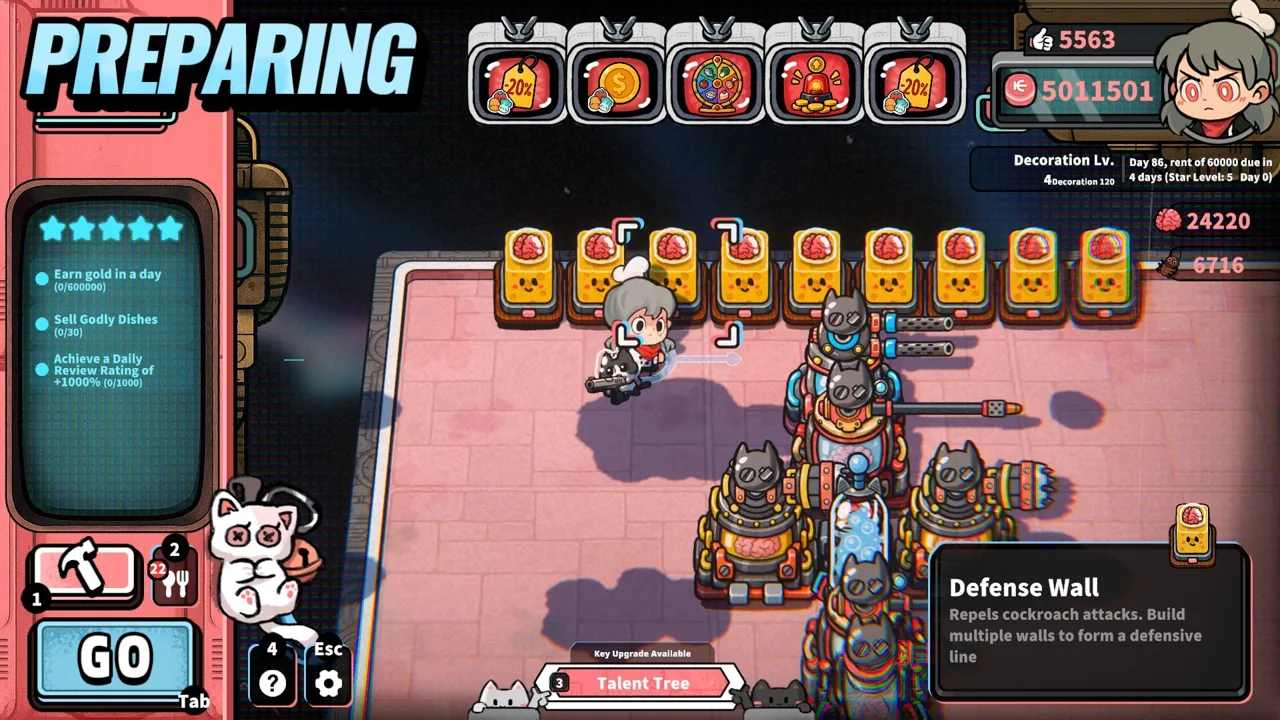
Life, the Universe, and Restaurants transport robot stations need placement that covers dropped Coins and leaves room for collection trips. Focus on the floor around your tables, then consider the route back to the Vault.
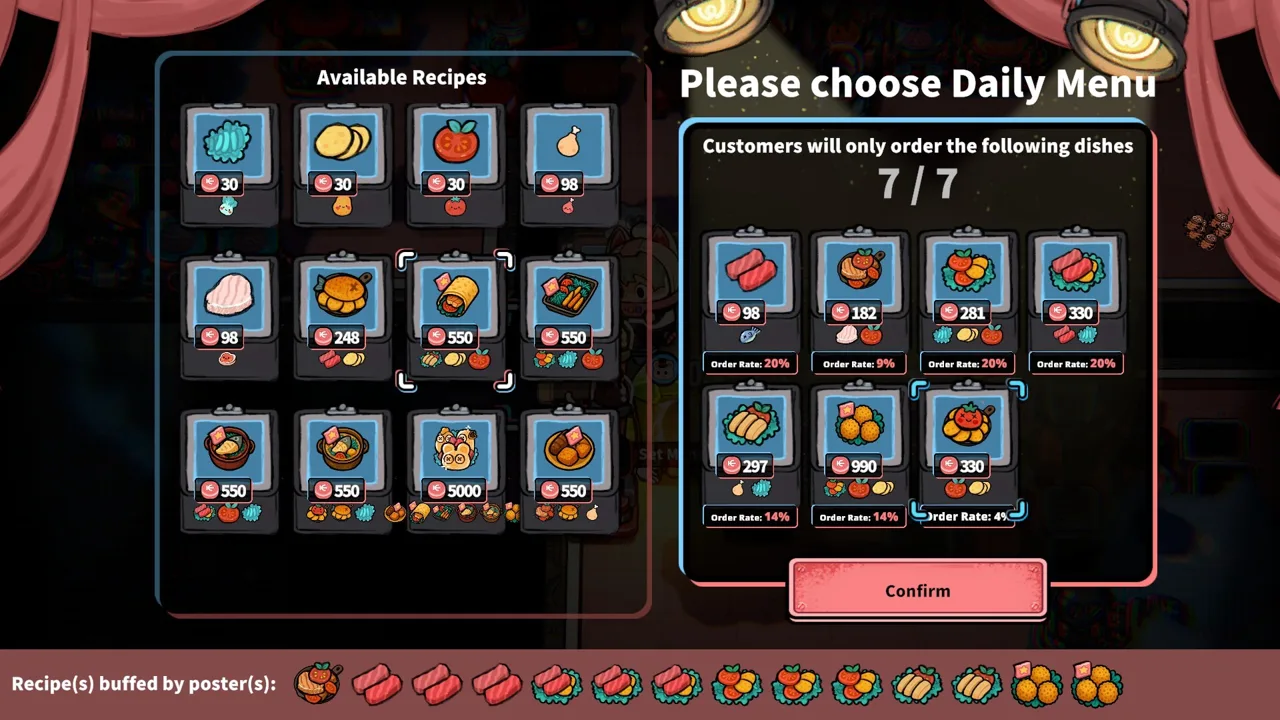 Image: Steam / GARRY
In the demo, you can purchase transport robot stations through the Robot Shop using Brains during the 1-Star stage. Cooking Robots arrive with the demonstrated 2-Star progression, so coin transport can enter your layout before recipe automation.
Brains also support talents and more powerful robots. Enraged customers provide this resource when defeated, tying robot expansion to the restaurant’s combat and management systems.
When a station becomes available, place it around an existing payment area and watch it through service before expanding your seating.
| Setup step | What to do |
|---|---|
| Obtain the station | Purchase a transport robot station when the Robot Shop offers it |
| Check coverage | Inspect the visible collection circle while positioning it |
| Align payment areas | Place nearby Customer Tables so their dropped Coins fall inside the circle |
| Preserve access | Leave an unobstructed route around the station and toward the Vault |
| Check performance | Watch the robot collect and deposit Coins during service |
Arrange the Payment Area Before Adding Tables
Start with the tables you already serve. Shift the station or seating until the collection circle covers the places where payments land.
Pay attention to restaurant edges. Coins can scatter toward the outside of a tightly arranged dining area. Move an edge table inward if its payments repeatedly land beyond the collection area.
Avoid squeezing a station into whatever space remains after placing everything else. Give collection the same planning attention as ingredient containers, cutting counters, and plate cabinets.
Keep the Vault Accessible
Place the Vault near the dining area while preserving a clear approach. Shorten unnecessary travel without crowding the space where customers arrive or where you carry meals.
Test your own movement through the layout, too. A arrangement that forces you around furniture will keep interrupting service even after a robot takes over some collection.
Reposition structures before service, then check the result during the rush. Focus on whether payments are being deposited and whether you can still reach customers comfortably.
Plan Collection Coverage Around Your Restaurant Layout
Think of Life, the Universe, and Restaurants transport robot stations as coverage zones. Their visible circles give you a practical way to judge placement, but the tables, payment locations, and Vault route determine how useful each zone becomes.
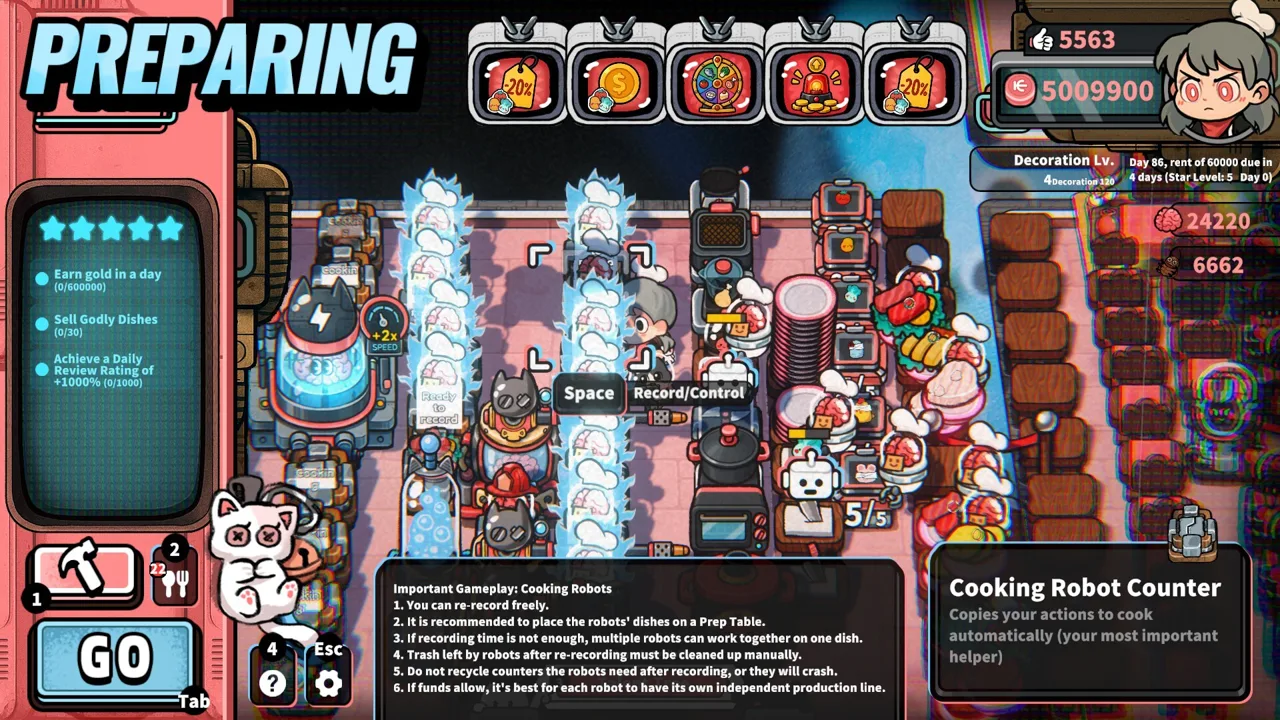 Image: Steam / GARRY
A compact dining area is easier to organize around a collection circle than seating scattered across separate corners. Keep related tables together when space allows, and leave room to reach them from the kitchen.
The restaurant also has other payment locations to consider. Toilets generate Coins when customers use them. Include that floor space in your collection plan instead of concentrating entirely on dining tables.
| Layout element | Placement tip | What to watch during service |
|---|---|---|
| Customer Tables | Bring payment areas within the collection circle | Coins accumulating outside coverage |
| Vault | Keep its approach open and near collection activity | Long or obstructed collection trips |
| Customer portal | Preserve room around nearby tables and stations | Crowded movement through the entrance area |
| Toilet | Include its dropped Coins in a nearby collection zone | Payments accumulating away from dining tables |
| Additional plots | Recheck coverage after expanding the restaurant | New seating beyond existing collection circles |
Give Collection and Cooking Separate Space
Your kitchen already needs a logical sequence: ingredients, processing equipment, plates, and finished dishes. Adding coin collection traffic to a cramped preparation area creates more movement to manage.
Keep the dining-side collection area accessible without forcing your own serving route through dense equipment. Place the cutting counter near the ingredients you use there, and keep the plate cabinet convenient for finishing dishes.
For example, a salad station involves retrieving an ingredient, processing it at the cutting counter, and plating it. Arrange those interactions closely, then leave a clear route from the completed dish to the customer.
This keeps your layout focused on complete tasks. Cooking ends at a plated meal; serving produces payment; collection ends at the Vault.
Recheck Coverage After Every Expansion
Purchasing plots creates room for more facilities and seating. It also changes where your restaurant’s work happens.
After moving tables into a new area, inspect their relationship to existing stations. Reposition collection coverage around the new payment locations before starting another busy service.
Keep access to the back of the restaurant open as well. Cockroaches and unruly customers demand attention during service, and cramped furniture arrangements can make reaching trouble spots harder.
Fix Coin Backlogs Before Buying More Robots
A growing pile of Coins deserves a closer look before another purchase. Life, the Universe, and Restaurants transport robot stations can leave work unfinished when payments sit outside coverage, movement is obstructed, or collection cannot keep pace with service.
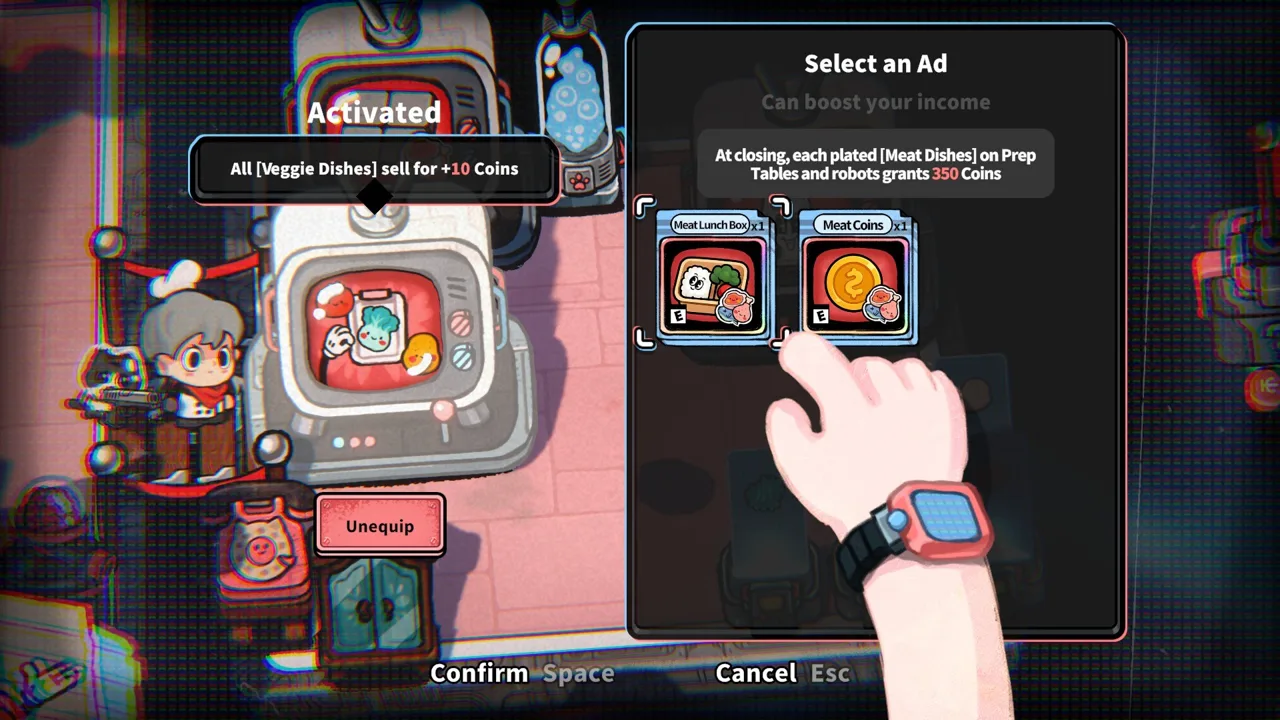 Image: Steam / GARRY
Check those problems separately. A station cannot solve every layout issue merely by being present.
| What you see | What to check | Adjustment to try |
|---|---|---|
| Coins remain beside an edge table | Their position relative to the collection circle | Move the table inward or reposition the station |
| Coins build up near a toilet | Whether that payment area is covered | Bring it within a collection zone |
| Collection routes look cramped | Furniture around the station and Vault | Open the approach by rearranging structures |
| Coins accumulate despite active collection | Robot movement speed and payment volume | Review the transport movement-speed talent |
| Payments remain near closing | Whether robots are clearing the remaining floor | Help collect and deposit Coins yourself |
Review the Movement-Speed Talent
The demo includes a talent that increases transport robots’ movement speed and costs Brains. Review it when robots are actively collecting but still leave substantial payments behind.
Fix coverage and access before spending resources on speed. Moving faster does not bring an uncovered payment area inside the station’s circle.
Keep your other Brain expenses in view. Cooking Robots, additional transport stations, and talents all compete for resources as automation grows.
Choose the next purchase around the task still interrupting your service. If coin collection keeps pulling you away from meals, address collection. If complex preparation is consuming your attention, examine cooking automation.
Help Finish Collection Near Closing
Keep an eye on the service timer in the demo. When time is running low and payments remain scattered, collect and deposit them yourself.
Robots reduce the work you handle, but a busy restaurant can still leave unfinished collection. Watch the actual floor rather than assuming every served meal has already become spendable income.
Balance Coin Transport With Cooking and Customer Demand
Life, the Universe, and Restaurants transport robot stations support your production line by handling the payments it generates. Their workload grows alongside the number of meals you serve.
The full release includes progression through all 5 Stars, with additional recipes, structures, robots, ads, and talents. As your restaurant grows, revisit the relationship between food production, seating, and collection.
Avoid expanding only one part of the operation. More seats create more orders. More cooking capacity can produce more completed dishes. Both increase the amount of work needed around service and payments.
Automate Preparation in Manageable Sequences
Cooking Robots repeat recorded actions. More complex recipes can involve multiple Cooking Robots working in sequence.
Arrange equipment before recording a routine. Keep ingredient containers near the equipment that processes them, and provide space for finished dishes.
Also watch shared equipment. Robots assigned to different routines can still need the same appliance, and finished dishes need somewhere to go. Additional robots do not remove those dependencies.
Once preparation runs steadily, revisit collection. The goal is to finish the entire service cycle without constantly rescuing a single overloaded task.
Match Advertising to Kitchen Capacity
Posters encourage customers to order particular dishes, while TVs support ads that influence your business strategy. Use them alongside the recipes your kitchen can prepare efficiently.
Before promoting a dish, check its ingredient supply, preparation routine, and serving workload. Increased demand adds pressure to all three.
Then inspect the payment area. A productive kitchen still needs collection capacity to retrieve the Coins its meals generate.
Before starting service, check these connected tasks:
- Cover the floor where customers and toilet users drop Coins.
- Leave the station and Vault accessible.
- Keep ingredient processing and plating convenient.
- Provide room for completed dishes.
- Watch remaining payments as closing approaches.
FAQ
What do Life, the Universe, and Restaurants transport robot stations do?
They collect Coins within their visible collection area and transport them to the Vault. They handle coin transport while other robot roles support cooking, serving, and cleanup.
Do transport robots need a recorded cooking routine?
The demonstrated transport station setup uses a collection radius. Cooking Robots use recorded routines to repeat preparation actions. Place the transport station around dropped Coins and preserve its access to the Vault.
How can you make transport robots move faster?
The demo includes a transport robot movement-speed talent purchased with Brains. Check collection coverage and clear obstructed routes before investing in speed.
Where should you place transport robot stations?
Position Life, the Universe, and Restaurants transport robot stations around Customer Tables and other payment areas, including toilets. Use the visible collection circle to guide placement, keep the Vault accessible, and adjust coverage after moving or adding tables.
Continue with
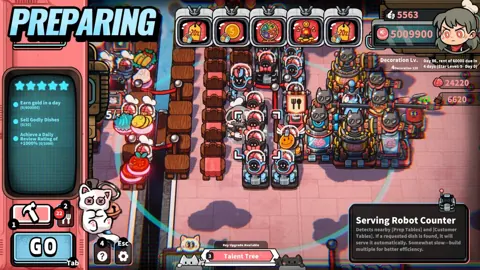 Life, the Universe, and Restaurants Automation GuideMaster Life, the Universe, and Restaurants automation with robot routines, smarter kitchen layouts, coin collection, and menu strategies. Build your crew.
More in Automation
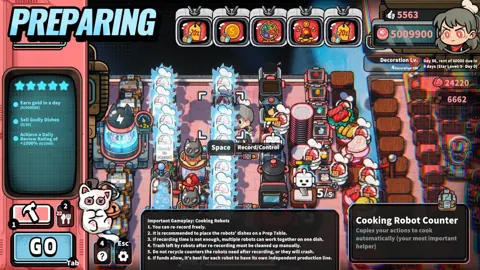
Life, the Universe, and Restaurants Robot Action Recording
Master Life, the Universe, and Restaurants robot action recording with practical tips for cooking routines, kitchen layouts, and smoother robot teamwork.
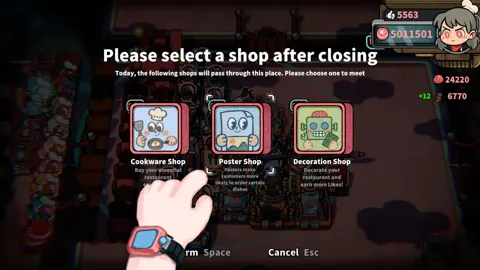
Life, the Universe, and Restaurants Robot Brains Guide
Life, the Universe, and Restaurants robot brains power talents and stronger robots. Learn how to harvest Brains and build a smoother automated kitchen.
Join the community
Official channels for news, updates and player help: