
Coming soon · Release date: October 12, 2026 Steam store ↗
UpdatedLife, the Universe, and Restaurants system requirements
Life, the Universe, and Restaurants system requirements explained: check minimum PC specs, Windows support, storage needs, and demo details before you buy.
Jump to
Minimum PC requirements at a glance
Your cosmic restaurant has room for cooking robots, demanding gods, and increasingly complicated recipes. The Life, the Universe, and Restaurants system requirements help you check whether your computer meets the listed hardware baseline before you buy. Comparing your PC with the Life, the Universe, and Restaurants system requirements matters because meeting the minimum specifications does not establish how smoothly the game will run at your preferred settings.
The published requirements call for a 64-bit version of Windows 10 or Windows 11, 8 GB of RAM, and 1 GB of available storage. The processor and graphics requirements name older desktop hardware, giving you concrete models to compare against your own components.
| Component | Published minimum requirement |
|---|---|
| Operating system | Windows 10 or Windows 11, 64-bit |
| Processor | Intel Core i5-6xxx or AMD FX-6300 |
| Memory | 8 GB RAM |
| Graphics | NVIDIA GeForce GTX 750 or AMD Radeon R7 265 |
| Storage | 1 GB available space |
These are minimum requirements. The listing does not attach a frame rate, resolution, or graphics preset to them, so treat the table as a compatibility baseline rather than a performance promise.
The Intel processor entry also deserves a careful read. “Core i5-6xxx” is the wording used in the requirements; it is not one fully specified CPU model. If your computer has an Intel processor, compare its complete model name instead of assuming that every machine carrying an “i5” label qualifies.
Likewise, the NVIDIA requirement is specifically a GTX 750. Keep that model name intact when checking your hardware rather than silently substituting a different card.
The storage entry is straightforward: you need 1 GB of available space according to the listing. That figure describes the published free-space requirement. It does not establish the exact download size, the size of future updates, or how much temporary space an installation might use.
For a quick purchase check, compare every row of the Life, the Universe, and Restaurants system requirements. A matching processor does not compensate for insufficient memory, and enough free storage does not tell you whether the graphics hardware meets the requirement.
How to compare your desktop or laptop
Checking the Life, the Universe, and Restaurants system requirements is easier when you have your computer’s exact specifications in front of you. A store receipt, manufacturer specification sheet, or your computer’s hardware information can help identify the components that matter.
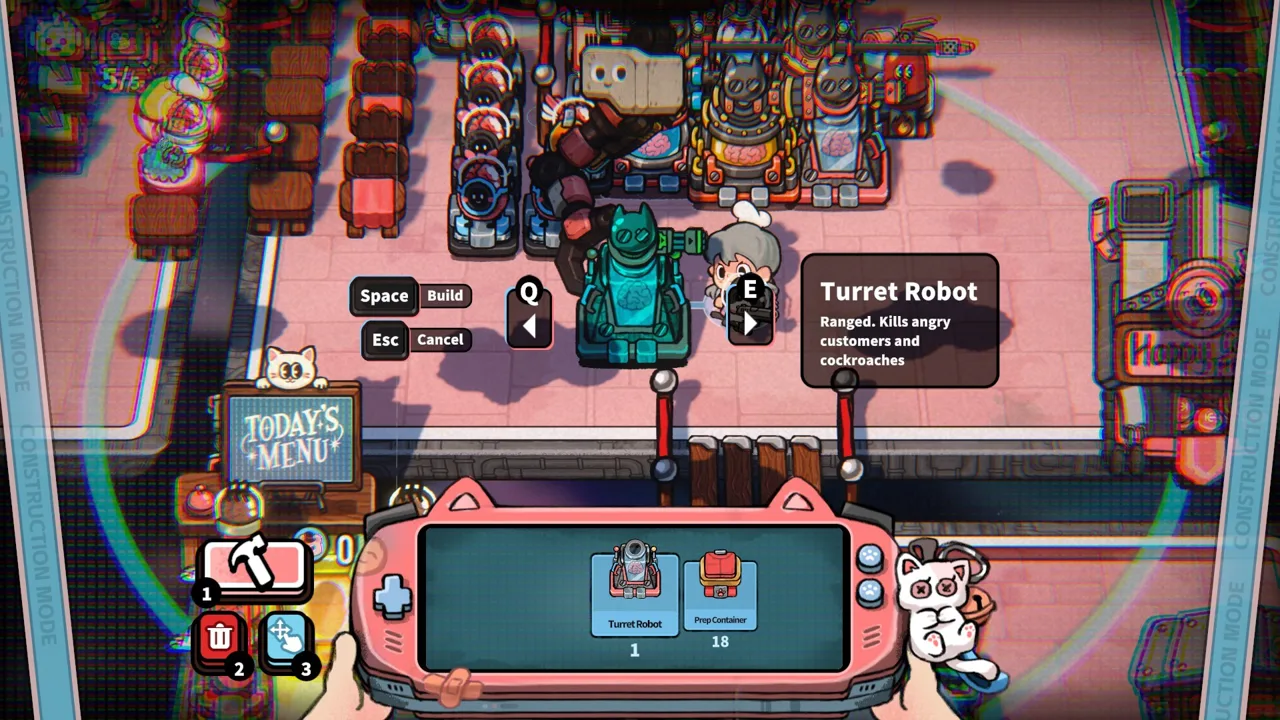 Image: Steam / GARRY
Focus on the operating system, CPU, RAM, GPU, and available storage. A broad description such as “gaming laptop” or “office desktop” is too vague to establish compatibility.
| What to compare | Information you need | What remains uncertain |
|---|---|---|
| Windows installation | Version and whether it is 64-bit | Compatibility with unlisted operating systems |
| Processor | Complete Intel or AMD model name | Performance of a different CPU without a reliable comparison |
| Memory | Installed RAM capacity | Whether background applications will affect your session |
| Graphics | Exact GPU model | How an unlisted GPU performs in this game |
| Storage | Currently available drive space | Future patch sizes and temporary installation needs |
For example, a PC described only as having “8 GB RAM and Intel graphics” matches the memory figure, but its graphics compatibility is still unresolved. The requirements name NVIDIA and AMD graphics cards, and they do not identify a supported integrated graphics model.
That does not prove every integrated GPU is incapable of running the game. It means the published specifications alone cannot establish compatibility for a particular integrated chip. Avoid turning that uncertainty into either a guaranteed success or an automatic failure.
Laptop owners should be especially careful with model names. Mobile components and desktop components can have similar branding without providing identical performance. The useful comparison is between the actual hardware, not just the product family printed on the case.
If your machine has multiple graphics adapters, identify which ones it includes. Seeing an integrated GPU in a specification list does not necessarily mean the laptop lacks a separate graphics processor.
Also distinguish installed memory from storage capacity. The game asks for 8 GB of RAM and 1 GB of available drive space; those are separate requirements serving different purposes.
Once you have a complete hardware list, you can make a more informed decision. If one component is difficult to compare, leave that question open rather than treating the rest of the matching specifications as proof that the whole computer qualifies.
Recommended specs and performance expectations
The Life, the Universe, and Restaurants system requirements currently provide a minimum configuration without a separate recommended configuration. There is no published higher-end CPU, GPU, or RAM target in the available listing.
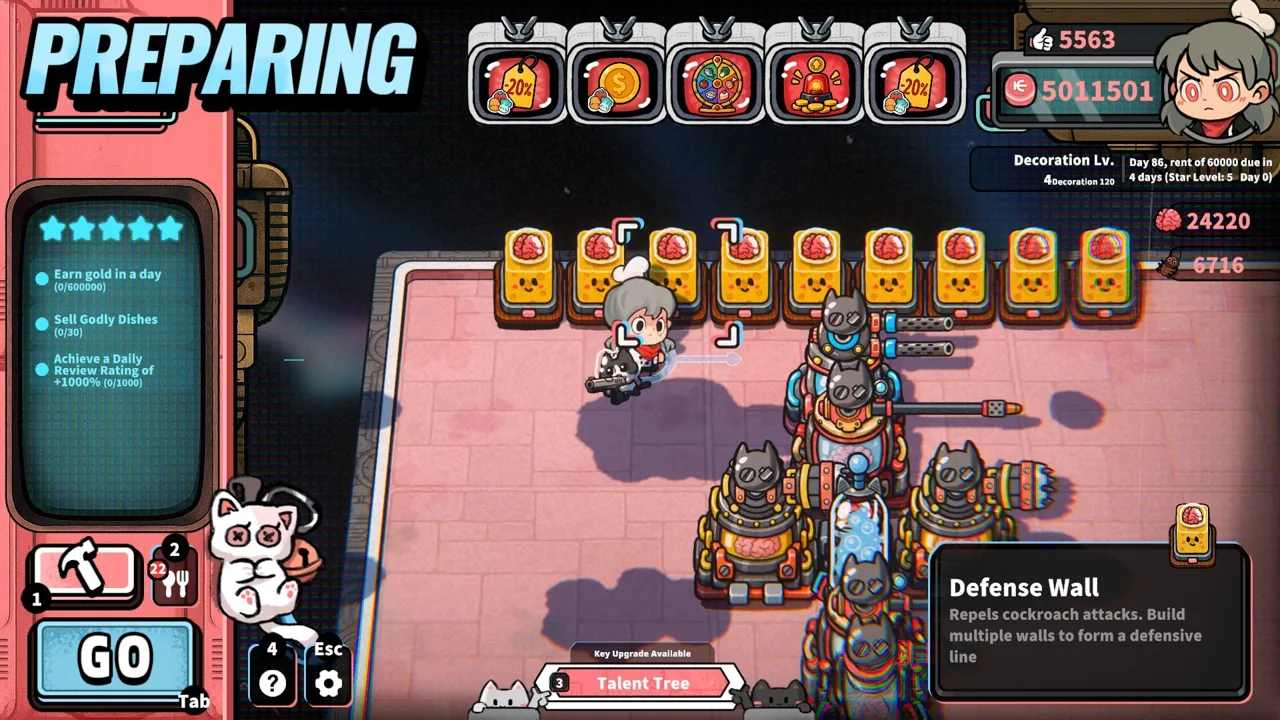 Image: Steam / GARRY
That distinction matters if you are looking for comfortable performance rather than basic eligibility. You cannot use the minimum table to establish a guaranteed frame rate, a particular resolution, or performance in a fully expanded restaurant.
| Technical detail | Status in the published listing |
|---|---|
| Minimum CPU and GPU | Listed |
| Minimum RAM | 8 GB |
| Available storage requirement | 1 GB |
| Recommended configuration | Not provided |
| Resolution and frame-rate targets | Not specified |
| DirectX version | Not specified |
| Required video memory | Not specified |
| SSD requirement | Not specified |
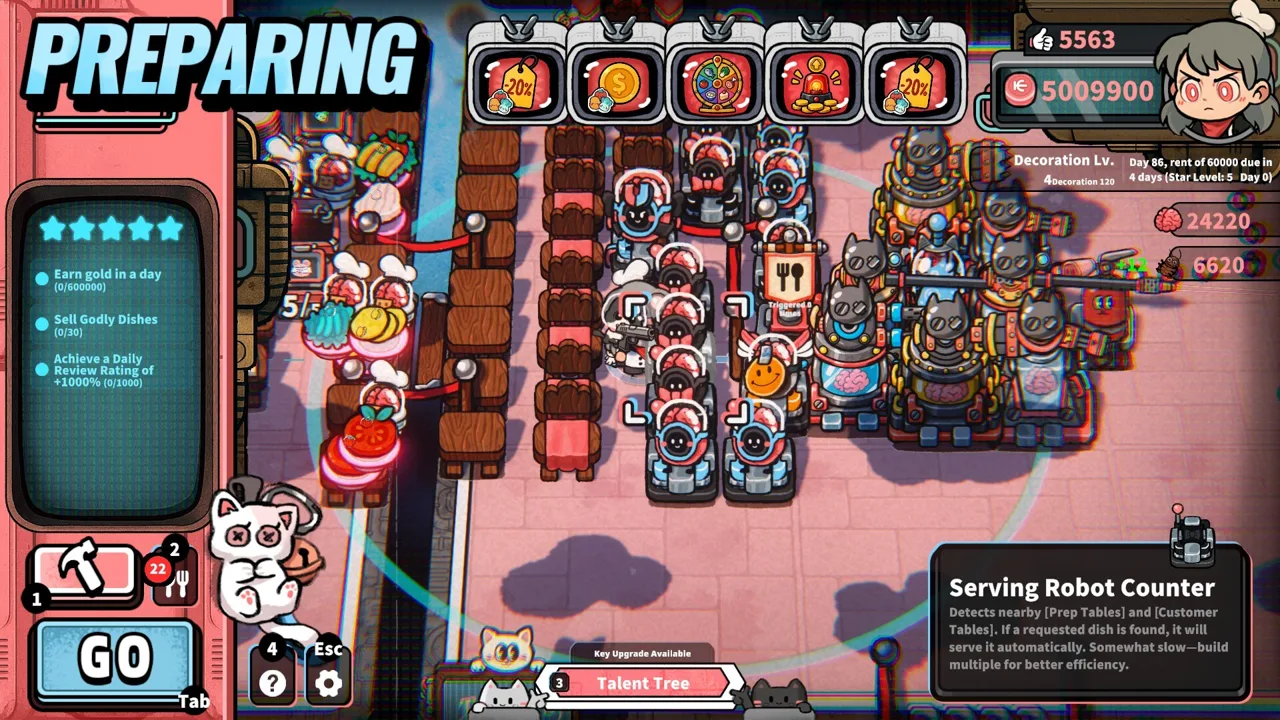
The game’s restaurant systems give you useful context for what you will be doing. You begin with hands-on food preparation, gathering ingredients, processing them, plating dishes, and serving customers. Robots can then repeat recorded routines and handle tasks such as cooking, deliveries, order taking, and cleanup.
As your restaurant develops, you can add customer tables, production facilities, and more robot staff. Higher-tier recipes involve more elaborate preparation, with multiple cooking robots working in sequence.
Those mechanics explain the appeal of the simulation. They do not establish how much CPU time or memory a large restaurant will require, and they should not be used to invent an unofficial recommended specification.
If you evaluate the game on your own PC, a useful approach is to consider the kinds of scenes you expect to play. A quiet kitchen and a restaurant with more active systems represent different gameplay situations. Comparing them can help you understand your own machine’s behavior, although no particular performance change is established here.
Avoid buying an upgrade solely on an assumed requirement. The listing does not mandate an SSD, specify additional RAM beyond the minimum, or identify a graphics card for higher resolutions.
Windows, Mac, Linux, and controller support
Platform support is another part of reading the Life, the Universe, and Restaurants system requirements correctly. The Steam listing identifies Windows support, while native Mac and Linux versions are not listed.
 Image: Steam / GARRY
| Platform or input option | Listed support |
|---|---|
| Windows | Supported; Windows 10 or Windows 11, 64-bit required |
| macOS | No native version listed |
| Linux | No native version listed |
| Controller | Full controller support; gamepad recommended |
| Keyboard | Keyboard-only option listed |
| Steam Deck | Compatibility status not established here |
If you use Windows, check both the version and the architecture. The requirement explicitly names a 64-bit installation. Having Windows 10 or Windows 11 alone does not answer that second part.
For Mac and Linux players, distinguish native support from possible compatibility methods. A Windows game running through another software layer would be a different question from an officially listed native release. The platform information here does not settle whether a particular workaround will function.
Steam Deck compatibility is similarly unresolved. Full controller support tells you something about input options, but it does not establish a Steam Deck rating, performance level, or compatibility result.
For supported Windows PCs, the control information gives you flexibility. Steam lists full controller support and recommends a gamepad, while also identifying a keyboard-only option. You can factor those choices into how you want to manage your restaurant without assuming a specific button layout.
The game also carries Steam Cloud, Steam Leaderboards, and Family Sharing features in its listing. Those are separate from its hardware requirements; their presence does not establish additional operating-system support.
English is among the supported languages. Simplified Chinese is the language marked for full audio support, so English language support should not be interpreted as a promise of English voice acting.
Release date, demo, and your purchase checklist
Steam lists October 12, 2026 as the planned release date and still marks the game as coming soon. It is developed by GARRY and published by Gamersky Games.
Before purchasing, revisit the Life, the Universe, and Restaurants system requirements on the Life, the Universe, and Restaurants Steam store page. Store details can change, and that page is also the place to check the release status and any available demo option.
The listing includes a demo entry. Check the store for its current availability rather than assuming it can be downloaded at any time. If available, it may help you evaluate compatibility and decide whether the restaurant-management loop appeals to you. A demo result still does not guarantee identical behavior throughout the full game.
The gameplay combines kitchen work, automation, business planning, and defense. Your objective is to complete business goals and develop the restaurant from 1 Star to 5 Stars. Increasing the restaurant’s rating unlocks additional recipes, plots, structures, robots, advertising options, talents, and management systems.
You can influence customer orders through Posters and TVs, then shape your business around dish prices, serving speed, and production efficiency. The stranger side of the simulation involves hostile customers who call themselves gods. Harvested Brains can support talent upgrades and more powerful brain-based robots, while Turret Robots, Guards, and other defense facilities help protect the restaurant.
Before committing, keep this checklist handy:
- Compare your exact CPU and GPU models with the published minimums.
- Confirm that your Windows installation meets the version and 64-bit requirements.
- Check installed RAM and available storage separately.
- Look for a demo option on the store page.
- Check that the listed control options suit your setup.
- Treat unlisted performance targets and platform compatibility as unresolved.
That gives you a practical way to assess both your computer and the game’s appeal before opening your own cosmic kitchen.
FAQ
What are the minimum Life, the Universe, and Restaurants system requirements?
The minimum specifications are 64-bit Windows 10 or Windows 11, an Intel Core i5-6xxx or AMD FX-6300 processor, 8 GB RAM, an NVIDIA GeForce GTX 750 or AMD Radeon R7 265, and 1 GB of available storage.
Are recommended PC specifications available?
The published listing provides minimum requirements without a separate recommended configuration. It also does not specify a target frame rate, resolution, video-memory requirement, or required DirectX version.
Can you play on Mac, Linux, or Steam Deck?
Windows is the supported platform in the listing. Native Mac and Linux releases are not listed, and Steam Deck compatibility is not established by this information. Controller support alone does not answer the Steam Deck question.
When is the release, and is there a demo?
The planned release date is October 12, 2026. Steam includes a demo entry; check the game’s store page for current download availability and any changes to the release schedule.
Continue with
 Life, the Universe, and Restaurants trailer and screenshotsExplore Life, the Universe, and Restaurants trailer and screenshots, with Steam videos, robot cooking, restaurant upgrades, and an October 12 release date.
More in Release
Life, the Universe, and Restaurants demo: Steam Guide
Explore Life, the Universe, and Restaurants demo, check Steam details and PC requirements, and learn what to look for in its cosmic restaurant gameplay.
Life, the Universe, and Restaurants developer and publisher
Life, the Universe, and Restaurants developer and publisher details: meet GARRY and Gamersky Games, explore gameplay, and check the planned Steam release.
Life, the Universe, and Restaurants FAQ: Launch Guide
Life, the Universe, and Restaurants FAQ covers the October 12 release date, PC specs, robot cooking, and restaurant upgrades. Plan your cosmic kitchen.

Life, the Universe, and Restaurants platforms and wishlist
Life, the Universe, and Restaurants platforms and wishlist guide: check Windows support, the October 12 release date, PC requirements, and Steam options.
Join the community
Official channels for news, updates and player help: